
Online booking for clients in Kazakhstan: website, WhatsApp bot or ready-made service
How to set up online booking for a salon, clinic or car service in Kazakhstan: ready-made service, booking on your site or in WhatsApp, reminders, prepayment via Kaspi.
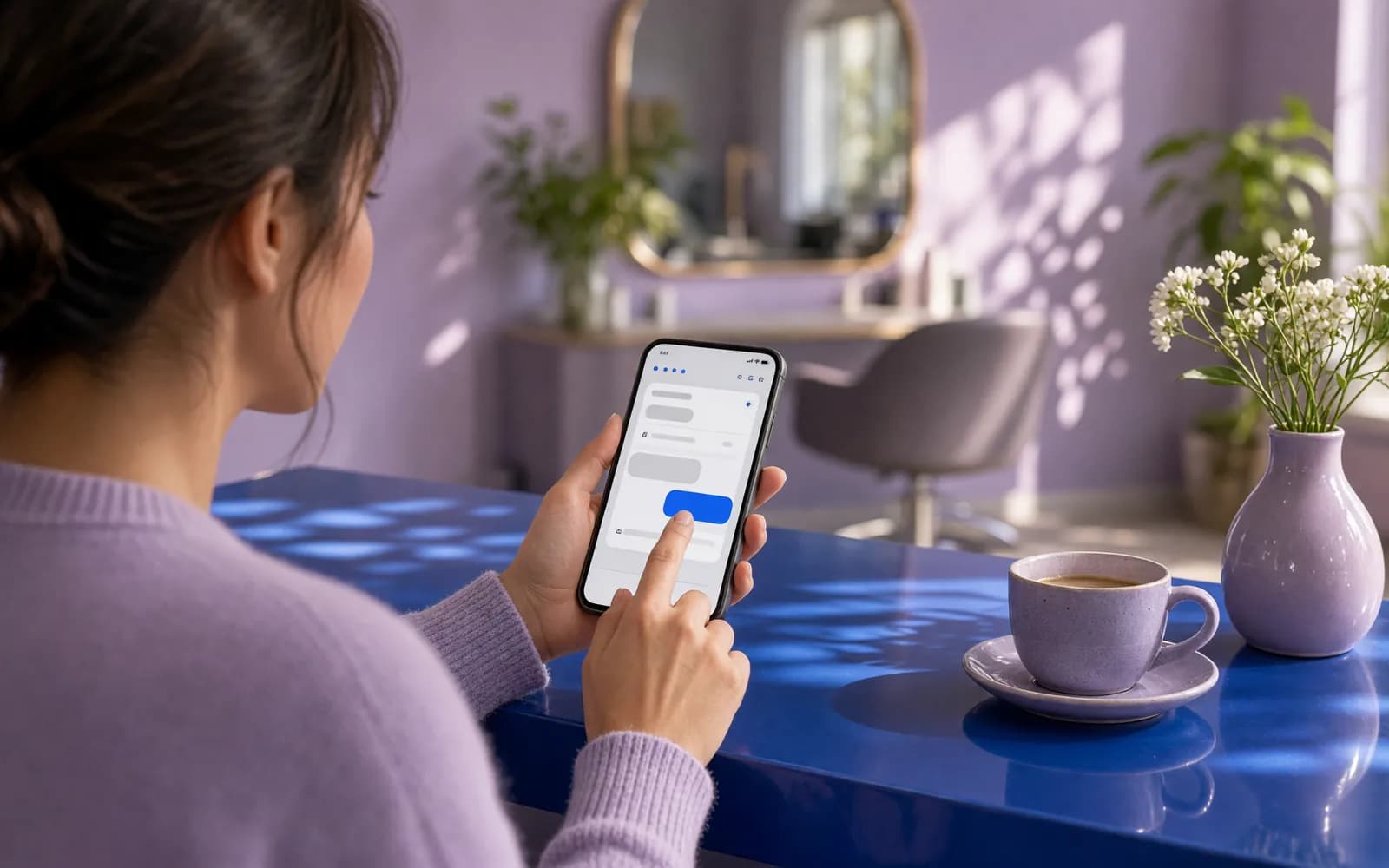
In a salon, clinic or car service, bookings often depend on one person and one phone. The receptionist is busy, calls go unanswered, nobody can book in the evening or at the weekend, and a client who booked a week ago simply does not show up. Online booking fixes all three at once: clients pick a time themselves, get a reminder and can reschedule without calling.
The question is how to build it. There are three routes: a ready-made booking service, booking on your own website, and booking directly in WhatsApp or Telegram. Below we compare them, list what every booking system needs, and cover what matters specifically in Kazakhstan: WhatsApp reminders, prepayment through Kaspi and the personal data law. If you are opening a branch of a foreign brand, these local details are usually what your home-market booking tool is missing.
Three ways to set up online booking
| Ready-made booking service | Booking on your website | Booking in WhatsApp or Telegram | |
|---|---|---|---|
| Launch | Fast, set up in a dashboard | Website development or an add-on | Building a bot and integrations |
| How you pay | Monthly subscription | One-off development, then support | Development plus Meta's charges for WhatsApp messages |
| Where clients book | On the service's page or widget | On your site, under your brand | In the messenger they already use to reach you |
| Flexibility of rules | Whatever the service allows | Any rules | Any rules |
| Client data | In the service's database | In your database | In your database |
A ready-made booking service
It suits a single location with standard services and no special rules. The upside: launch in a day, a mobile app for staff, reports out of the box. The downsides show up as you grow: booking rules bend to the service rather than to you, links to 1C and your CRM can be limited, and your client base lives with another company. Before signing up, ask where client data is stored: Kazakhstan's law requires personal data to be kept in a database inside the country.
Booking on your own website
Clients choose a service, a specialist and a time right on your website. This is the best option if you already have a site with traffic, several locations or non-standard rules: duration depends on the service and the specialist, you need breaks between procedures, some services require prepayment. Bookings go into your CRM or accounting system, not a separate dashboard.
Booking in WhatsApp or Telegram
In Kazakhstan, clients message businesses on WhatsApp most of all, so booking in the chat removes a step. A bot offers services and free slots as buttons, confirms the booking and sends the reminder itself. A Telegram bot works the same way and does not pay per message, but it cannot message a client first: the person has to start the chat. The best setup combines them: one schedule, with booking open on the website and in messengers.
What every booking system needs
- Services with durations, linked to specialists, rooms or service bays.
- Staff schedules with holidays, lunch breaks and gaps between clients.
- Cancellation and rescheduling rules: how many hours in advance, what happens to a prepayment.
- Reminders the day before and on the day, with "confirm" and "reschedule" buttons.
- A waiting list: when someone cancels, the freed slot is offered to the next person.
- A client card with visit history, so the specialist sees what was done last time.
- Two languages: booking screens and reminders in Russian and Kazakh.
- A front-desk view of the whole schedule, where staff can book a client who phoned.
Reminders that cut no-shows
A reminder is the cheapest way to win back empty slots. Where to send it:
- WhatsApp. A client who has not messaged you recently can only receive a template approved by Meta. A reminder about a specific booking, with no advertising, counts as a utility template: "Hello Aigerim, you are booked for a haircut tomorrow at 11:00. Reply 1 to confirm or 2 to reschedule". Add a discount and the template becomes marketing. Meta charges for every delivered message, and since 1 October 2026 Kazakhstan has its own line in Meta's rate card.
- Telegram. Bot messages are free, but only people who have already started your bot will get the reminder, for example because they booked through it.
- SMS or a call. A fallback for clients without messengers.
Sending is only half of it; the reply matters too. The "reschedule" button should open free slots at once, and a cancellation should release the slot to the waiting list. Templates and messaging consent are covered in detail in our article on WhatsApp broadcasts.
Prepayment and deposits: Kaspi and cards
Prepayment cuts no-shows most for long and expensive services. Options in Kazakhstan:
- A Kaspi Pay invoice or link. The booking system collects the phone number, an invoice is issued in Kaspi Pay to that number, or the client gets a payment link, and pays in the Kaspi.kz app most locals already use. Confirmation goes through the front desk: Kaspi's guide has no open API for an automatic payment status. More in our article on Kaspi Pay on your website.
- Cards through bank acquiring, for example Halyk ePay. The booking is confirmed automatically as soon as the bank reports the payment.
Any payment, including a prepayment through a Kaspi link, requires a fiscal receipt for the client. Kaspi's own cash register service generates it automatically. Publish your refund rules for cancelled bookings in advance and show them before payment.
Client and patient personal data
Names, phone numbers and visit history are personal data. Under Kazakhstan's Law No. 94-V they are collected with consent, the database is stored inside Kazakhstan, and passing data to a foreign service counts as cross-border transfer that must be stated in the consent. Clinics also have medical confidentiality to respect: a reminder does not mention a diagnosis or name a procedure that reveals a health condition. Details are in our guide to personal data on a website and the article on digitalizing a private clinic.
Linking bookings to your CRM, 1C and accounting
A booking system that lives apart from accounting creates double work. A good one passes visits to your CRM, such as amoCRM or Bitrix24, creates a sale in 1C after the visit, tracks materials used and calculates staff pay from actual bookings. For clinics, a separate question is the link to the medical information system: check it before development, because each system exposes different exchange options.
What it costs and where to start
A ready-made booking service costs a monthly subscription at the service's rates. Your own online booking system with a schedule, reminders and prepayment starts from 1 000 000 ₸ with us. A booking bot for WhatsApp or Telegram with one integration starts from 420 000 ₸. The price is fixed in the contract, with a 6-month warranty. Industry examples are on our pages for beauty salons, clinics and car services.
Where to start:
- Count no-shows for the last month and how many calls never reached the front desk.
- Write down the rules: service durations, breaks, cancellations, prepayment.
- Choose channels: website, WhatsApp, Telegram or a mix.
- Settle the data question: where the database lives and how consent is recorded.
- Launch at one location or for one service, and compare no-shows a month later.
What we do on this topic
Short and to the point.
Which is better for online booking: a ready-made service or your own system?
A ready-made service is faster to launch if you have one location and standard services. Your own system makes sense when booking rules are non-standard, you have several locations, or bookings must link to 1C and your CRM with the client base kept on your side.
Can clients book through WhatsApp?
Yes. A WhatsApp bot offers services and free slots as buttons, confirms the booking and sends a reminder as a Meta utility template. This needs the WhatsApp Business Platform (API), and Meta charges for delivered messages.
How do I take a booking prepayment through Kaspi?
The booking system collects the phone number, and an invoice is issued in Kaspi Pay to that number, or the client gets a payment link. Confirmation goes through the front desk. Card payments through bank acquiring are confirmed automatically.
Where should the client database for online booking be stored?
Under Kazakhstan’s Law No. 94-V, personal data is stored in a database inside Kazakhstan. If a booking service keeps data abroad, that is cross-border transfer, and it must be stated in the client’s consent.
What does your own online booking system cost?
An online booking system with a schedule, reminders and prepayment starts from 1 000 000 ₸ with us, and a booking bot for WhatsApp or Telegram from 420 000 ₸. We fix the exact price in the contract after reviewing your booking rules.
Read also
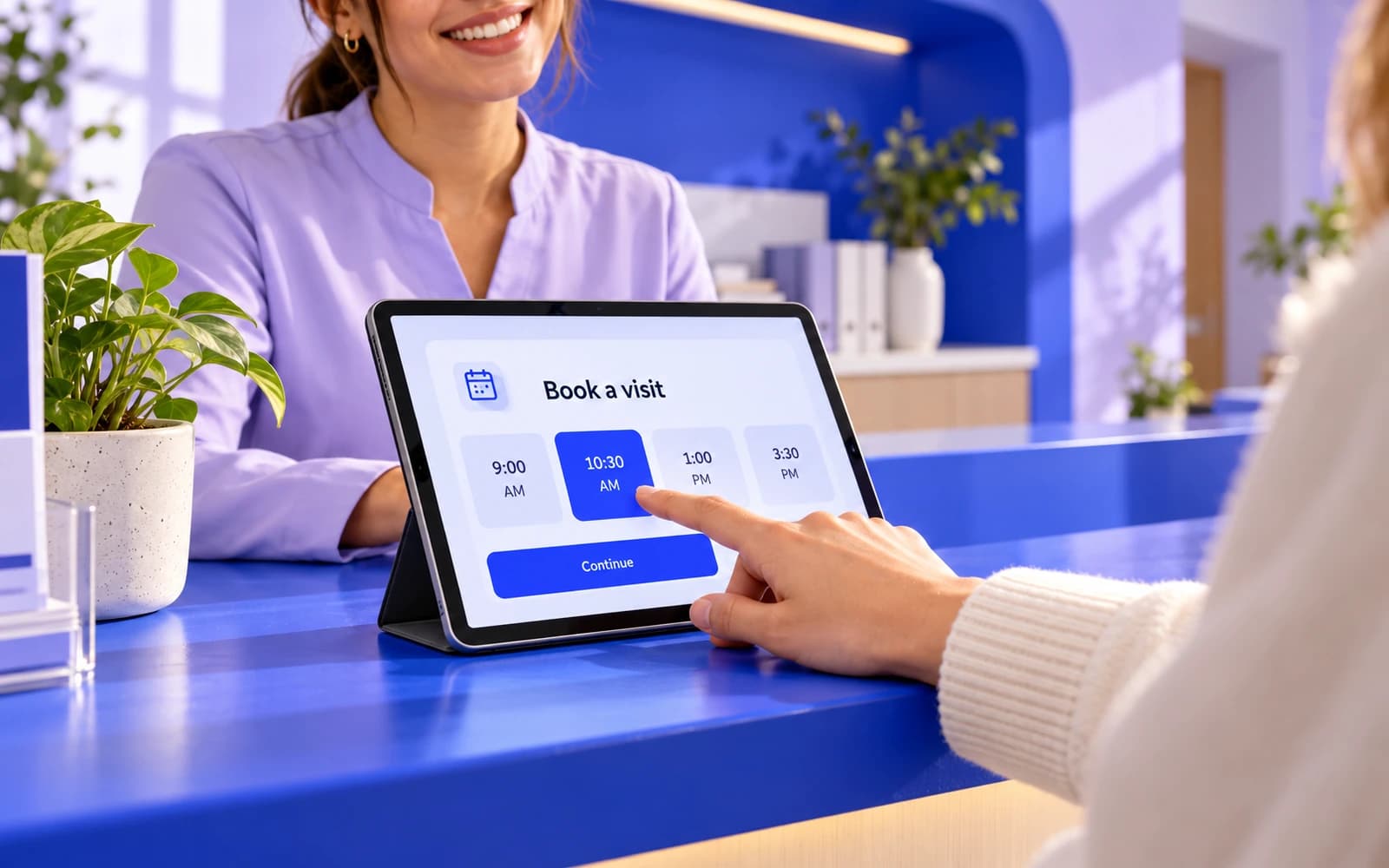 Industries10 min readDigitalizing a private clinic: online booking, a patient app and integrationsHow to automate a private clinic without chaos: online booking, WhatsApp reminders, a patient app, integration with your MIS and analytics by doctor.
 Automation7 min readWhatsApp broadcast messages in Kazakhstan: official API, consent, limits and costsHow to send WhatsApp broadcasts in Kazakhstan: customer consent, marketing and utility templates, Meta messaging limits, pricing since October 2026 and CRM links.
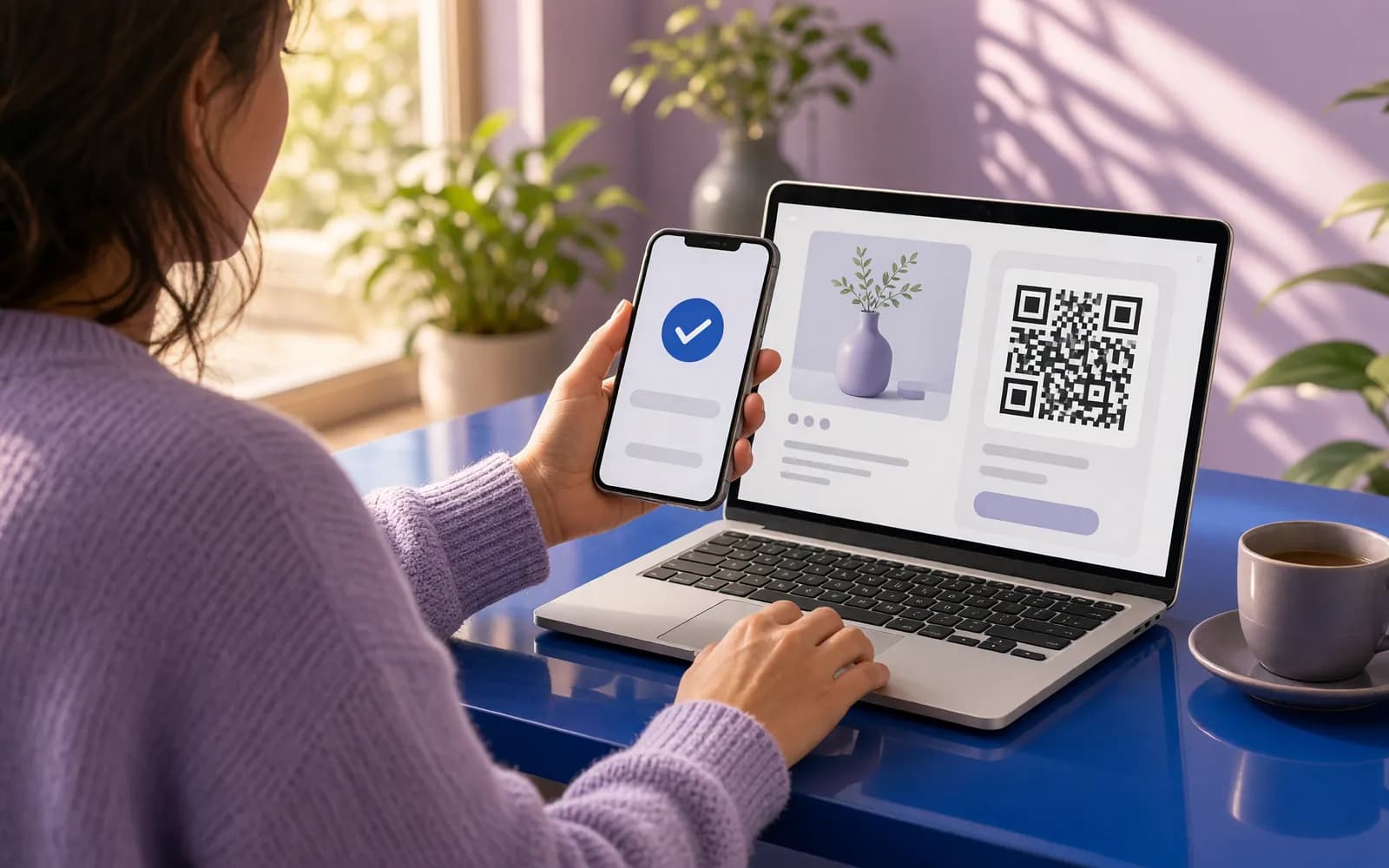 Websites9 min readHow to accept Kaspi Pay on your website in Kazakhstan: QR, invoices and payment linksAccepting Kaspi payments on a website in Kazakhstan: Kaspi Pay QR, invoices and links, the Payments on Kaspi.kz service, the Marketplace button, fees and receipts.
Shall we discuss your project?
We will tell you what it costs and how long it takes. The price is fixed in the contract.