
WhatsApp broadcast messages in Kazakhstan: official API, consent, limits and costs
How to send WhatsApp broadcasts in Kazakhstan: customer consent, marketing and utility templates, Meta messaging limits, pricing since October 2026 and CRM links.
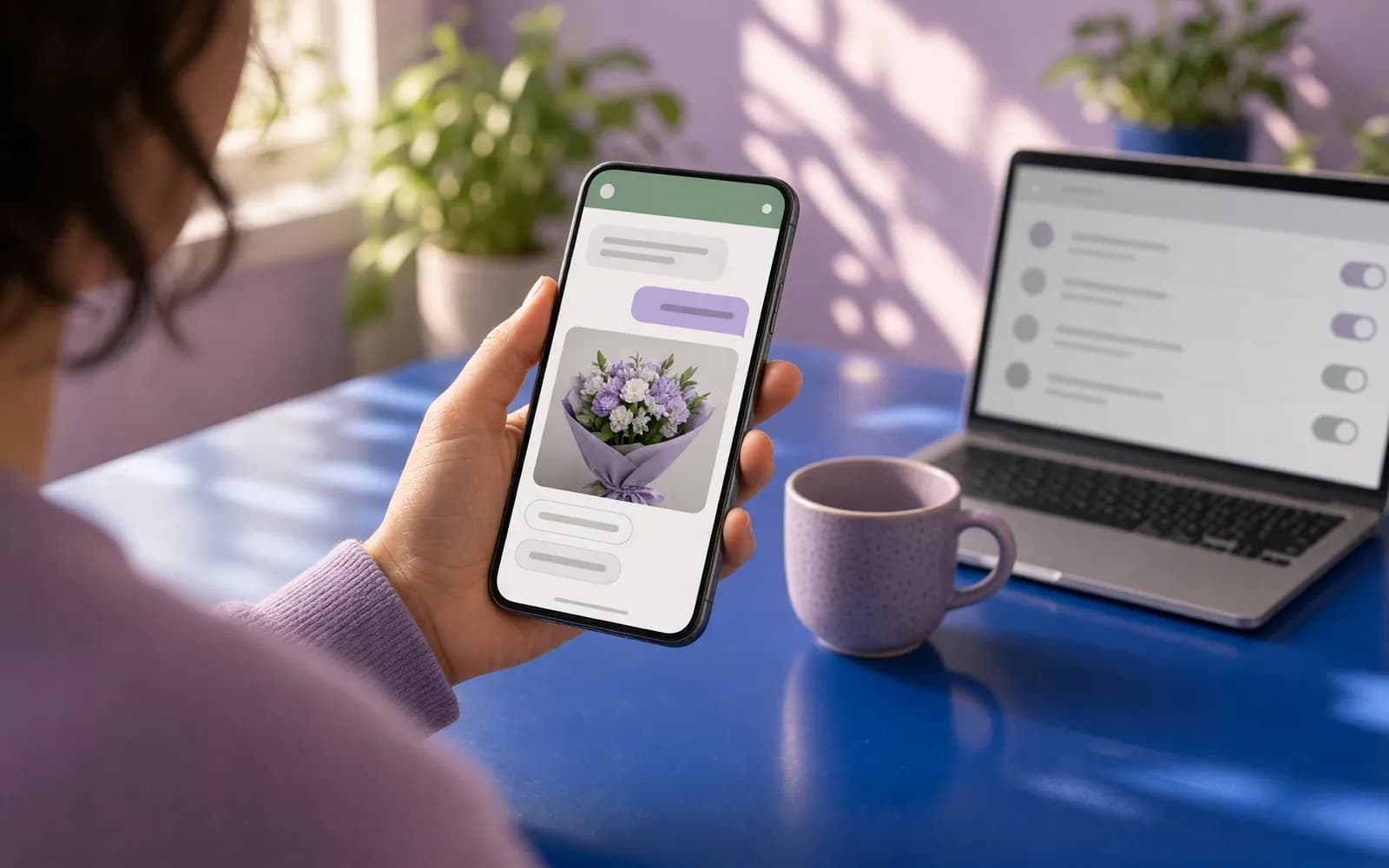
In Kazakhstan, customers message businesses on WhatsApp more than on any other channel, so sooner or later every company wants to send its whole customer base a promotion. WhatsApp broadcasts work, but nothing like email: every message is paid for, the number of recipients is capped, and customer complaints decide whether you can keep messaging at all. Teams that run campaigns in other markets usually underestimate the last point.
The short version: a legitimate broadcast goes only through the WhatsApp Business Platform (the API) and only to people who agreed to hear from you. Broadcasting from an ordinary phone, or through tools that automate the regular WhatsApp app, breaks WhatsApp's terms. Below we cover consent, templates, limits, Meta's pricing since October 2026 and how to keep your number.
Three ways to "send a broadcast", and which one is legitimate
| WhatsApp Business app | Unofficial broadcast tools | WhatsApp Business Platform (API) | |
|---|---|---|---|
| How it works | You type messages on a phone | Software drives the regular WhatsApp app | Template messages through an official connection |
| Volume | A small list, by hand | Anything, until the number is banned | Meta limits that grow with quality |
| Rules | Fine if people agreed | Breaks WhatsApp's terms | The official route |
| CRM and accounting | None | No guarantees | Links to CRM, 1C, your store |
WhatsApp's Terms of Service explicitly forbid bulk messaging and auto-messaging through the regular service. A number used that way gets banned, and with it you lose your chat history with customers. So from here on we only talk about the API.
Consent: do not start without it
WhatsApp's business rules are simple: you may message people who gave you their number and agreed to receive messages from you. The opt-in must make clear that the person is signing up for messages and must name your business. You can collect it anywhere: on your website, in a booking form, at the till, in the chat itself. Meta recommends separate opt-ins for each kind of message: order updates, reminders, offers.
Opt-outs must be honoured. If someone writes "stop sending me this", remove them at once. Customers can block or report you, and WhatsApp limits sending based on those signals.
Kazakhstan adds its personal data law No. 94-V. Names and phone numbers are collected with consent, the customer database is stored in Kazakhstan, and passing data to a foreign service counts as cross-border transfer that the consent text must mention. This matters for foreign companies whose CRM sits abroad; see our guide to personal data on a website.
Marketing and utility templates
To message a customer first, outside the 24-hour window after their last message, you must use a template approved by Meta. The template category decides both the price and whether the message is delivered.
- Marketing. Promotions, new arrivals, discounts, "you left something in your cart", greetings, asking people to install your app. Meta also puts mixed templates (an order update plus a promo code) and templates with unclear content here.
- Utility. Non-promotional and about a specific order, invoice or booking: "order 1542 is with the courier", "your appointment is tomorrow at 11:00, reply 1 to confirm". Add a discount to such a message and it becomes marketing.
- Authentication. One-time login codes. Codes may only be sent this way.
The practical takeaway: everything the customer genuinely needs (statuses, reminders, receipts) goes out as clean utility templates. Offers go out as separate marketing messages, and less often.
What a broadcast costs: Meta pricing since October 2026
Per Meta's developer documentation (checked in November 2026):
- A charge for every delivered message from a business since 1 July 2025. The rate depends on the category and the recipient's country code. Messages from customers to you are free.
- Kazakhstan has been its own market in Meta's rate card since 1 October 2026; before that it sat in the "Other" region.
- Replies are paid too. Since 1 October 2026, service messages and utility replies inside an open window are charged. Each phone number gets 1,000 free service messages a month.
- A free window from ads. If a customer messages you from a Click-to-WhatsApp ad in the mobile app, Meta does not charge for messages in that conversation for up to 7 days.
Meta's rates change, so build your budget from the current rate card: recipients times marketing messages per month times the Kazakhstan rate, plus utility templates and replies above the free tier. On top comes either a provider subscription or nothing, if your system connects to Meta's Cloud API directly.
Limits: how many people you can reach
The recipient limit. Meta caps how many unique people a business can message outside a customer service window in a rolling 24 hours. The limit applies to the whole business portfolio, not to one number. A new portfolio starts at 250 recipients. Verifying your business, or delivering 2,000 high-quality messages within 30 days, raises it to 2,000. After that it grows automatically, to 10,000 and then to unlimited, if your message quality stays high and you used at least half of your limit in the last 7 days.
The per-person limit. WhatsApp may not deliver a marketing message to someone who has been reading few of them lately. In your reports this shows up as error 131049. Meta advises waiting at least 24 hours before retrying that person, or the restriction lasts longer. If the customer replies, a window opens, and marketing messages inside it do not count towards this limit.
Hence a simple rule: a list that reads and replies grows your limits. A list that stays silent and complains shrinks them.
How to avoid getting blocked
- Message only people who opted in, and record when and where they did.
- An unsubscribe button in every marketing broadcast, and opt-outs applied immediately.
- Segments, not "everyone". An offer for people who bought something similar, not for your entire five-year list.
- Rarely and to the point. The frequency at which people do not complain is always lower than marketing expects.
- The customer's language. If a customer writes in Kazakh, the broadcast goes to them in Kazakh. Each language needs its own template.
- Watch quality. Rising blocks and reports are a signal to stop and change the text or the audience.
Linking broadcasts to your CRM and accounting
A list built from an Excel export is stale within a month. What works is a link: segments built in amoCRM, Bitrix24 or 1C from purchases and visits, opt-outs added to a stop list automatically, and customer replies routed to a manager in a shared inbox with full history. Utility messages are triggered by events: order handed to the courier, appointment in 24 hours, invoice issued. That way most messages are genuinely useful, and marketing stays targeted.
We build this as a project: WhatsApp Business automation with one scenario and one integration starts from 420 000 ₸. Connecting a number, templates and Meta's rules are covered on our WhatsApp Business API page, and the wider picture in WhatsApp automation for business.
Launching a broadcast, step by step
- A company-owned number and a Meta business account, verified, with a payment method.
- Consent collected in forms, at the till and in chat, with date and source recorded.
- Templates in Russian and Kazakh: utility and marketing kept separate.
- Segments in your CRM and a stop list for opt-outs.
- A test send to a small group of regular customers, checking replies and complaints.
- Grow within the limits: widen your reach only while quality holds.
What we do on this topic
Short and to the point.
Can I broadcast from the regular WhatsApp Business app on a phone?
You can message people who agreed by hand. Bulk and automated messaging through the regular WhatsApp service is forbidden by its terms, and numbers get banned for it. Broadcasts need the WhatsApp Business Platform (API).
What does one WhatsApp broadcast message cost?
Meta charges for every delivered message, and the rate depends on the template category and the recipient’s country. Since 1 October 2026 Kazakhstan has its own line in Meta’s rate card. Rates change, so check Meta’s current pricing.
How many people can I message per day?
A new business portfolio can message 250 unique recipients in 24 hours outside a customer service window. After business verification the limit is 2,000, and it grows automatically while message quality stays high.
Do I need customer consent for WhatsApp broadcasts?
Yes. WhatsApp’s rules allow messaging only people who gave their number and agreed to receive messages from your company. Kazakhstan’s Law No. 94-V also requires consent to process personal data.
What does it cost to set up WhatsApp broadcasts and automation with you?
WhatsApp automation with one scenario and one integration starts from 420 000 ₸. Meta’s per-message charges are billed separately to your account.
Read also
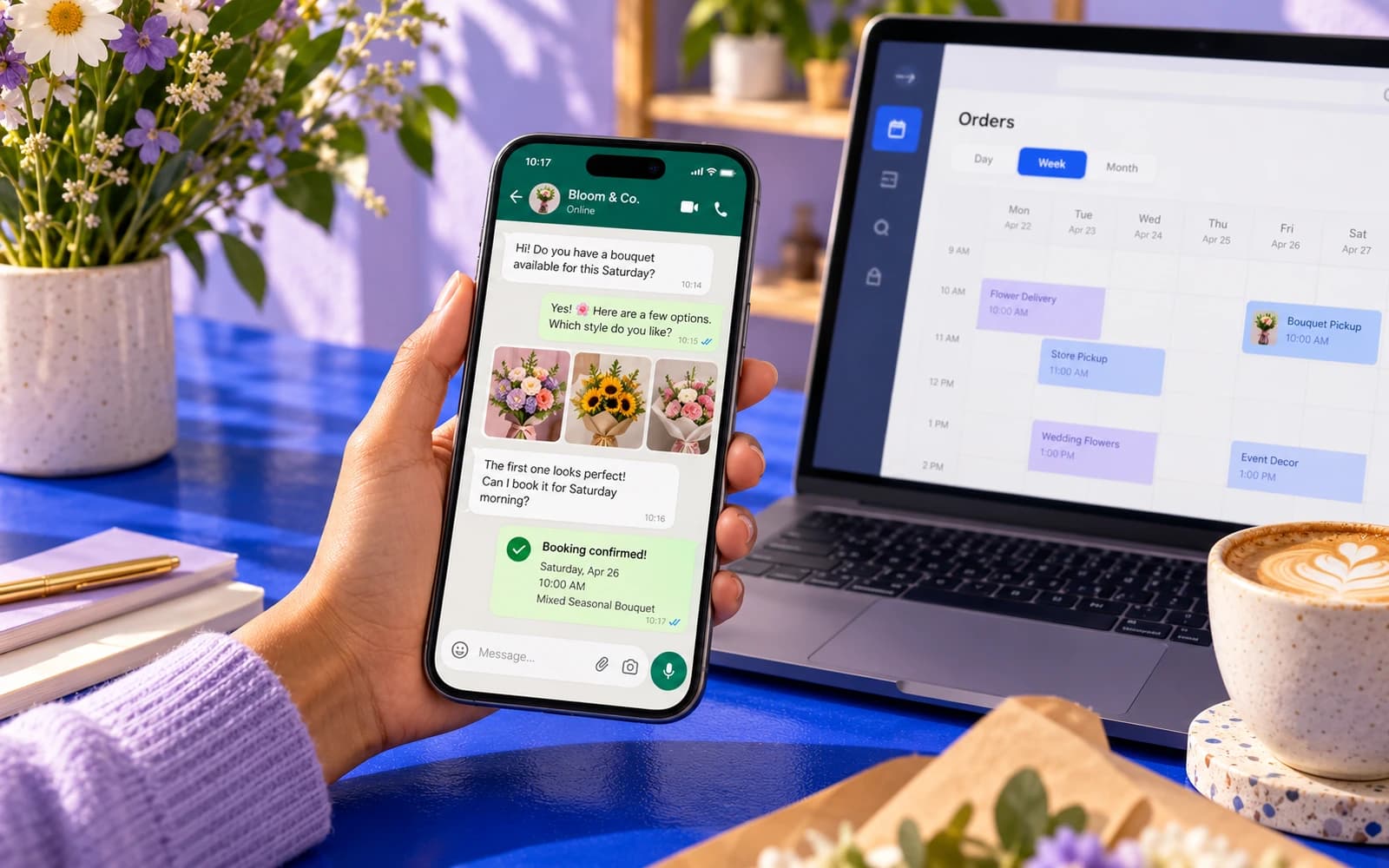 Automation14 min readWhatsApp automation for business: a practical guideWhatsApp automation for business: what to automate, opt-in and template rules, how Meta charges for messages from October 2026, tools and how a rollout runs.
 Industries7 min readOnline booking for clients in Kazakhstan: website, WhatsApp bot or ready-made serviceHow to set up online booking for a salon, clinic or car service in Kazakhstan: ready-made service, booking on your site or in WhatsApp, reminders, prepayment via Kaspi.
 Automation7 min readTelegram bot for business in Kazakhstan: orders, bookings and Kaspi paymentsWhat a Telegram bot can do for a business in Kazakhstan: orders, bookings, Kaspi order alerts, payment by Kaspi Pay invoice or card, broadcasts, cost and launch steps.
Shall we discuss your project?
We will tell you what it costs and how long it takes. The price is fixed in the contract.