
How to accept Kaspi Pay on your website in Kazakhstan: QR, invoices and payment links
Accepting Kaspi payments on a website in Kazakhstan: Kaspi Pay QR, invoices and links, the Payments on Kaspi.kz service, the Marketplace button, fees and receipts.
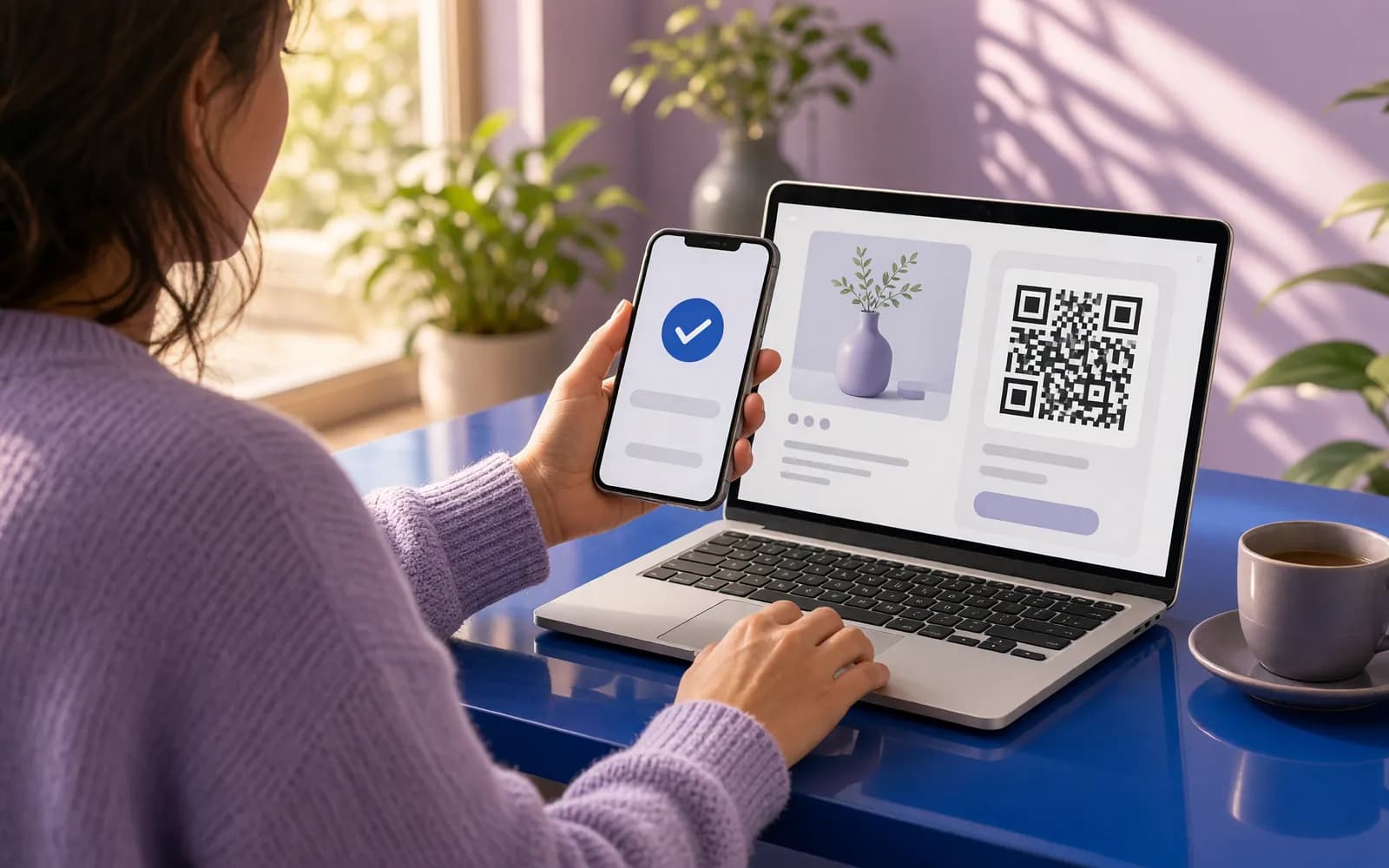
If you sell to consumers in Kazakhstan, the first payment question you will hear is "can people pay with Kaspi?". Kaspi.kz is a bank, a marketplace and a payment app in one, and according to Kaspi's partner guide, any of its more than 14 million app users can pay through Kaspi Pay. Foreign companies entering the market often assume Kaspi works like a card gateway you drop into a checkout. It does not, and knowing the difference saves weeks.
The short version: Kaspi offers four official ways to get paid by a buyer who comes from your website. A built-in button that behaves like card acquiring and notifies your site automatically is not described in Kaspi's public documentation. Below we go through each route, the fees as of November 2026, the Kaspi rules that affect your site, and how to tie payments to orders and accounting.
Four official ways to get paid through Kaspi
1. Kaspi Pay: QR and remote payment
Kaspi Pay is Kaspi's app for merchants. Signing up and opening an account are free, and sales proceeds land in the Kaspi Pay account immediately. For online sales, remote payment is what matters, and it comes in two forms:
- An invoice to the buyer's phone number. You issue it from the mobile POS or Smart POS; the buyer receives it in the Kaspi.kz app and pays.
- A payment link. You can send it to a customer or place it on your website and social media. According to Kaspi's guide, links are created only through the mobile POS.
For a website this is the fastest start: a link on a service page, or an invoice issued to the number from the order form. The weak spot is matching payments to orders. We did not find an open API in Kaspi's guide that would tell your website "this invoice was paid".
2. The "Payments on Kaspi.kz" service
This is a separate service for suppliers of goods and services: your company appears in the Payments section of the Kaspi.kz app, and customers pay you online. You apply through a form on kaspi.kz, and a Kaspi manager gets in touch within five days. According to the service page, funds are credited the next day, and there is a daily payment report and a payment register in the merchant cabinet.
The fee depends on your line of business. The page lists 0.95% for many categories, 2% for courier services, up to 6% for "other", and an individual rate for online stores. Kaspi does not publish the technical scheme for connecting this service to your website in its open guide; it is discussed after you apply.
3. Kaspi Marketplace and a button on your own site
If you sell goods, you can list them on the Kaspi.kz Marketplace (Kaspi calls it the Shop). A company can become a partner if it is connected to Kaspi Pay and has accepted payments into its Kaspi Pay account on at least 20 days over the last two months. Services are not sold in the Marketplace; Kaspi has a separate classifieds service for them.
A Marketplace seller can place a "Buy on credit" button on its own website: the button code is in Kaspi's guide, and a click opens the product card in the Kaspi Marketplace, where the buyer applies for a purchase loan. Marketplace orders and statuses are pulled into your accounting through the seller API. Only the head of the company can generate the API token, in the seller's web cabinet.
4. Cards through bank acquiring, next to Kaspi
Kaspi covers people who pay in the Kaspi.kz app. Buyers who want to enter a card need a bank's internet acquiring, for example Halyk ePay: a hosted payment page, refunds and an automatic payment notification to your site. Most sites with a cart should offer both: cards and Kaspi.
What Kaspi Pay costs: fees as of November 2026
Per the Kaspi Pay tariffs in the partner guide (updated 1 October 2026):
| Item | Terms |
|---|---|
| Connecting to Kaspi Pay | Free |
| Opening a Kaspi Pay account | Free |
| Accepting Kaspi Gold payments by QR code and card | 0.95% |
| Accepting Kaspi Gold payments via Apple Pay or Google Pay | 0.95% |
| Monthly subscription | Free in the first month, then a monthly fee per the tariff |
| Minimum monthly sales | None |
"Payments on Kaspi.kz" and the Kaspi Marketplace have their own terms. In the Marketplace, the commission depends on the product category and since 5 January 2026 is shown excluding VAT; Kaspi's own example for electronics is 12.5% including VAT. Tariffs change, so check the current guide page and your contract before you model costs.
Development is not included in these percentages. A standard link between two systems, such as your website and Kaspi or Kaspi and 1C, starts from 270 000 ₸ with us; an online store with payments and a Kaspi product feed starts from 800 000 ₸.
Kaspi rules that affect your website
Kaspi watches its partners closely, and several rules apply directly to a website:
- No higher price for paying with Kaspi. Partners may not inflate the price or refuse a purchase paid with Kaspi Pay. In the Kaspi Marketplace, prices may not differ by payment method. So no "Kaspi surcharge" in your cart.
- A receipt for every payment. According to Kaspi's guide, the buyer gets a fiscal receipt for any Kaspi QR purchase, including remote payment by invoice or link. With Kaspi's own cash register service connected, the receipt is generated and delivered to the buyer's app automatically. Our guide to online payments and receipts covers receipts for website payments.
- Kaspi Pay access is never shared. Your contractor does not need your Kaspi Pay login. For the Marketplace, an API token is enough, and you hand it only to your own technical specialist.
- Breaches are costly. Under the Kaspi Pay rules, a breach can lead to suspended sales, Kaspi Red+, Kaspi Kredit and Marketplace access switched off with no way back, or the end of the partnership.
How to tie Kaspi payments to orders and accounting
A payment that only the owner sees in the Kaspi Pay app is a payment someone will reconcile by hand later. The setup depends on the route.
Remote payment by invoice. The website stores the order and the buyer's phone number, a manager issues the invoice in Kaspi Pay and marks the order as paid afterwards. Time is saved by a link where the site queues orders for invoicing and chases unpaid ones. The more orders a day, the more you will want to get away from manual matching.
Payments on Kaspi.kz. This is the route for companies with a steady flow of payments where automatic reconciliation matters: the daily report and payment register already exist in the cabinet, and Kaspi gives you the details of connecting your site.
Kaspi Marketplace. Marketplace orders arrive through the seller API into 1C, MoySklad or your CRM, statuses go back, and prices and stock are exported on a schedule. Our page on Kaspi integration shows how we do it.
Business buyers. They need an invoice with company details and an electronic VAT invoice (ESF). Our article on issuing ESF from 1C explains how and by when.
What to choose: a quick table
| Your business | What to connect |
|---|---|
| Services and bookings: salons, clinics, courses | A Kaspi Pay invoice or link for prepayment, cards through a bank |
| Online store with daily orders | Cards through bank acquiring plus Payments on Kaspi.kz after applying |
| Products people search for on Kaspi | Kaspi Marketplace, orders linked to accounting, a button on your site |
| Selling to companies | Invoice with company details and ESF from your accounting system |
For a side-by-side look at your own store versus the Marketplace, see Kaspi or your own online store.
Common mistakes
- Believing in a "Kaspi button in one evening". Freelance ads often promise "Kaspi API connected turnkey". Ask directly which official Kaspi service the payment will go through and what tells your site that the money arrived.
- A screenshot instead of a confirmation. The customer sends a screenshot and the manager takes it on trust. Check the payment in Kaspi Pay or the service report, not in a picture.
- A surcharge or discount by payment method. This is a direct breach of Kaspi's rules.
- No receipt for remote payments. A receipt is needed for link payments too.
- Kaspi only. Some buyers want to pay by card, and foreigners and companies pay differently. One payment method loses orders.
How to connect Kaspi payments to your website, step by step
- Sign up for Kaspi Pay in the app and open a Kaspi Pay account.
- Decide which route you need: remote payment, Payments on Kaspi.kz, the Marketplace, or a mix.
- Connect a cash register: Kaspi's own or your online cash register, so receipts go out automatically.
- Apply, if you need Payments on Kaspi.kz, and ask the Kaspi manager for the technical scheme.
- Add it to your site: a link, a phone number field for invoices or the Marketplace button, plus bank acquiring for cards.
- Link payments to orders in your CRM or 1C and test a refund on a test order.
- Go live and reconcile the first week of payments by hand before you trust the automation.
If you want us to handle the technical side, tell us what you sell and where you keep your books: we will propose a payment setup that fits your order flow and give you a price.
What we do on this topic
Short and to the point.
Can Kaspi payment be built straight into a website checkout?
Kaspi’s guide has no open API that lets a website receive Kaspi payment confirmations on its own. The official routes are an invoice or link in Kaspi Pay, the Payments on Kaspi.kz service on application, and the Kaspi Marketplace. Cards on a website go through bank acquiring.
What does accepting payment by Kaspi QR cost?
Under the Kaspi Pay tariffs as of 1 October 2026, the fee for accepting Kaspi Gold payments by QR and card is 0.95%. Connecting is free, and the monthly subscription starts from the second month. Check Kaspi’s guide for current terms.
Is a receipt needed if the customer paid through a Kaspi Pay link?
Yes. According to Kaspi’s guide, a fiscal receipt is issued for any Kaspi QR purchase, including remote payment by invoice or link. With Kaspi’s cash register service the receipt is generated automatically.
Can paying with Kaspi cost more than paying by card?
No. The Kaspi Pay rules forbid inflating the price or refusing a purchase paid with Kaspi Pay, and in the Kaspi Marketplace the price must be the same for every payment method.
What does it cost to connect Kaspi to a website with you?
A standard link between two systems, such as a website and Kaspi or Kaspi and 1C, starts from 270 000 ₸. An online store with payments and a Kaspi feed starts from 800 000 ₸. We fix the exact price in the contract after reviewing your setup.
Read also
 Websites11 min readHow to accept payments online in Kazakhstan: cards, Kaspi, invoices and chatbotsOnline payments in Kazakhstan: links and invoices, Halyk ePay on your site, Kaspi, chatbot payments, online cash registers, 1C and CRM sync, mistakes and a launch plan.
 Automation7 min readTelegram bot for business in Kazakhstan: orders, bookings and Kaspi paymentsWhat a Telegram bot can do for a business in Kazakhstan: orders, bookings, Kaspi order alerts, payment by Kaspi Pay invoice or card, broadcasts, cost and launch steps.
 Industries7 min readOnline booking for clients in Kazakhstan: website, WhatsApp bot or ready-made serviceHow to set up online booking for a salon, clinic or car service in Kazakhstan: ready-made service, booking on your site or in WhatsApp, reminders, prepayment via Kaspi.
Shall we discuss your project?
We will tell you what it costs and how long it takes. The price is fixed in the contract.