
How to accept payments online in Kazakhstan: cards, Kaspi, invoices and chatbots
Online payments in Kazakhstan: links and invoices, Halyk ePay on your site, Kaspi, chatbot payments, online cash registers, 1C and CRM sync, mistakes and a launch plan.
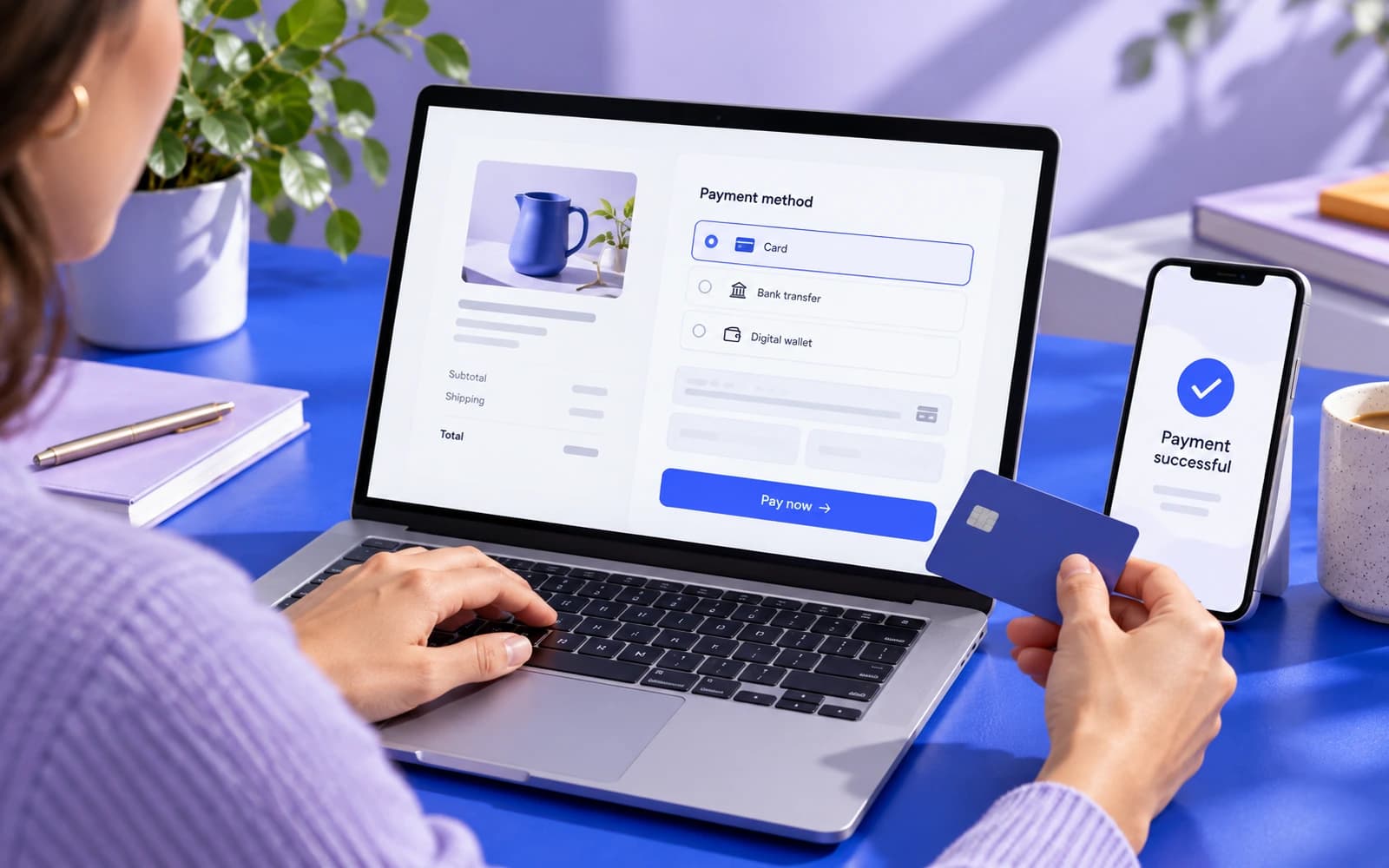
The question of how to accept payments online usually comes up at a specific moment: a customer wants to pay by card rather than by a transfer to your phone number, an invoice is overdue, or a store needs a checkout. The short answer is that you have five realistic options: an invoice or payment link, the bank's hosted payment page, a payment widget on your own site, payments inside a WhatsApp or Telegram chatbot, and recurring payments with deposits. Which one is right depends on how you sell, how often, and what has to happen after the money arrives.
This guide compares the options by effort, cost and fit, covers what Kazakhstan law expects from you, shows how a payment should flow into 1C and your CRM, and ends with a launch plan. At Pazl we build online stores, ordering apps and chatbots with payments.
How to accept payments online: the five options
Before choosing a bank or a service, decide which shape of payment you need.
Invoices and payment links
The simplest option. You issue an invoice in Kaspi Pay or create a payment link in your bank acquiring dashboard and send it to the customer on WhatsApp, Telegram or by email. The customer pays in the Kaspi.kz app or by card. It suits consultants, tradespeople, one-off orders and deposits. The drawback is that every invoice is manual work, and nothing updates your records unless you connect it.
The bank's hosted payment page
Your site sends the customer to the bank's payment page with the order amount and a return address. Card entry, payment confirmation and wallets such as Apple Pay and Google Pay stay on the bank's side. This is how Halyk ePay works, for example: a payment page, the payment status in the order, cancellation and refunds. It is the default for most stores and service sites because card data never passes through your server.
A payment widget on your site
The payment opens in a window on top of your page, and the customer does not leave the order page. This matters where continuity counts: a booking that confirms without a redirect, a multi-step order or a client area. Halyk ePay offers such a widget. It takes more developer work than a redirect to the bank's page, but on a phone this path is usually smoother.
Payments inside a chatbot or Telegram Mini App
If your customers already write to you on WhatsApp or Telegram, the payment can happen there. A chatbot collects the order and sends a payment link or a Kaspi invoice; a Telegram Mini App can show a full catalogue, basket and checkout without leaving the messenger. This removes the biggest drop-off point, the jump from chat to website, and suits restaurants, delivery and repeat orders. Our chatbots start from 420 000 ₸, and a Telegram Mini App from 800 000 ₸.
Subscriptions, memberships and deposits
Memberships, monthly service plans, deposits and instalments are a different problem: a card has to be stored and charged later. Whether your acquiring supports recurring charges, and on what terms, is something to confirm with the bank before development starts. You will need the customer's consent text, a reminder before each charge, a way to update card details and a rule for failed charges. If recurring charges are not available, a working substitute is an invoice or link that the system sends automatically on the due date.
Comparing online payment methods: effort, cost and fit
Bank and Kaspi fees depend on your contract, the payment method and the product category, so we do not quote percentages here: check the terms in your contract and dashboard. Look at the pattern instead.
| Option | Setup | How you pay for it | Best for |
|---|---|---|---|
| Invoice or link | No developer | Transaction fee only | Consultants, trades, one-off orders, deposits |
| Bank's payment page | Bank contract and a link to your site | Fee plus a one-off integration | Stores, service sites, bookings |
| Widget on your site | Development on the site side | Fee plus development | Bookings, client areas, multi-step orders |
| Chatbot or Mini App | Together with building the bot | Fee plus the bot | Restaurants, delivery, repeat orders |
| Subscriptions and deposits | On top of any option above | Fee and bank terms | Memberships, service plans, rentals |
The build cost is the part banks do not print in their tariffs. A standard link between a website and bank acquiring starts from 270 000 ₸ with us. An online store with payments, orders and product upload to Kaspi starts from 800 000 ₸, a web app with a client area and payments from 1 000 000 ₸, and a restaurant ordering app from 1 000 000 ₸.
Choosing a payment solution
In Kazakhstan customers pay in three main ways: by card, through Kaspi and by bank transfer against an invoice (mostly companies). A good payment setup covers the ways your own customers actually use.
| Solution | Strong for | Worth checking |
|---|---|---|
| Halyk ePay | Payment page, widget, cancellation and refunds, payment links, Apple Pay and Google Pay, test environment | The bank contract, the fee and what is enabled in your merchant profile |
| Kaspi Pay | Invoice, link or QR; the customer pays in a familiar app | We do not promise built-in Kaspi payment on your own site: we found no public API for it |
| Kaspi store | A storefront where buyers already search for products | Goods only, Kaspi Pay required, the fee depends on the category |
| Another bank's acquiring | Convenient if your business account is there | API documentation, refunds and payment notifications |
| Invoice for companies | Familiar for B2B, payment by bank details | Issuing ESF e-invoices and matching payments to orders |
Two checks matter more than the headline fee:
- The methods your customers use. A store without payment through Kaspi loses orders it never sees.
- Automatic payment notifications. The service must tell your system "this payment succeeded" by itself; otherwise you are back to checking the bank dashboard by hand.
How we connect a Kaspi store and Kaspi Pay to accounting and your site is described on our Kaspi integration page. The provider is only half the answer: the connection to your own systems decides whether it saves time.
What you need legally in Kazakhstan
Accepting money online brings obligations that are easy to meet if you plan for them. Below is what we checked against the primary sources on adilet.zan.kz.
- Cash register and receipt. Payments by card and mobile payments count as cash settlements, and cash settlements require a cash register (KKM) with data transfer unless the law exempts you (Tax Code of the Republic of Kazakhstan, Article 19(1) and Article 110(1)). The receipt can be electronic (Article 19(5)), and settlement data goes to the tax authorities through a fiscal data operator (Article 19(14)). Who generates the receipt in your setup, your own register, the bank or a service, is a question for your accountant. Details are in our guide on online payments and receipts.
- Electronic invoices. Business customers need an electronic invoice in the ESF information system. When it is required for online sales and when a receipt is enough is covered in our guide on ESF e-invoices for online sales.
- Public offer. A seller making an offer in electronic form includes the essential terms of the contract and the procedure for concluding it (Law on Regulation of Trade Activities, Article 29-1(1)).
- Contact details on the site. The seller's physical address and phone number, a link to the website of the consumer protection authority and information about the right to turn to it or to a court (Consumer Protection Law, Article 33-2(2)).
- Personal data. Card data stays with the bank. But the name, phone number, address and order history of your customers are personal data, collected with consent and stored in a database located in Kazakhstan (Law No. 94-V, Article 12(2)).
- Refunds. Publish your refund policy and make refunds a button in your admin panel, not a manual bank transfer. Check the refund deadlines and procedure for your case with a lawyer.
This is a practical summary, not legal advice. For your specific case, check with your accountant or lawyer: codes change, and the current version is always on adilet.zan.kz.
Connecting payments to accounting and CRM
A payment that only exists in the bank dashboard is a payment someone has to copy by hand at month end. Once you take more than a few payments a day, the integration is what saves time.
The pattern we build is simple. The bank or service notifies your system when a payment succeeds, fails or is refunded. A small service on your side marks the order as paid, passes the payment to 1C, where the documents and, if needed, the ESF e-invoice are prepared, updates the customer record in amoCRM or Bitrix24 and sends the receipt to the customer by email or messenger. Bank settlements are reconciled with orders separately, because your accountant needs the link between the payment, the order and the fee.
If you run online booking, the same notification confirms the chosen slot; if you run a loyalty programme, it adds points. A client area that shows invoices and a "Pay" button is the natural next step once payments are wired in; we explain when that is worth it in what a customer portal is and when you need one.
Common mistakes when you accept payments online
Most of what goes wrong is avoidable:
- Building your own card form. Card data should be entered on the bank's page or in its widget. Your own form adds security requirements and saves nothing.
- Transfers to a phone number and screenshots. A manager matches screenshots against the bank statement, the order status does not change by itself, and refunds are done by hand.
- Only offering cards. Without payment through Kaspi, some customers leave without saying a word.
- No test of the failure paths. Declined payment, closed tab, double click on "Pay": each needs a defined outcome.
- Relying on the "thank you" page instead of the bank notification. The customer's browser can close before the redirect; the bank's notification still arrives.
- Leaving the cash register and receipts for later. Receipts get remembered after the first payments. Agree the receipt setup with your accountant before launch.
How to accept payments online: step by step
- Decide the shape. Links, the bank's page, a widget, a chatbot or a subscription. One main method and one backup, usually card plus Kaspi.
- Sign with the bank. An application for internet acquiring with the document pack the bank asks for, and Kaspi Pay set-up. Start here: the bank's review takes time.
- Get the site ready for review. Public offer, contact details, personal data policy, refund policy, a secure HTTPS connection.
- Cash register and receipts. An online cash register and a fiscal data operator, or another setup agreed with your accountant.
- Connect in test mode. Products and amounts, the payment page, emails and messages to the customer.
- Wire the notifications. Succeeded, failed and refunded events update the order, 1C and the CRM.
- Test the ugly cases. Declined card, closed tab, refund of a test order, reconciliation of the bank report.
- Go live. Live keys, the first real payments from friendly customers, reconciliation of the first settlement. Then add the pay button to invoices, the website, the chatbot and your email signature.
If you want us to do the technical part, tell us what you sell and which systems you already use: we will suggest a payment and receipt setup and name the price.
What we do on this topic
Short and to the point.
What is the simplest way to accept payments online?
An invoice or payment link: a Kaspi Pay invoice or a link from your bank acquiring dashboard, sent to the customer on WhatsApp. No development needed. As volume grows, payment on your site connected to accounting pays off.
Can I accept Kaspi payments directly on my website?
We found no public API for built-in Kaspi payment on your own site. The working route is an invoice, link or QR in Kaspi Pay. Card payments on the site go through bank acquiring, for example Halyk ePay.
Do I need a cash register if customers only pay by card on the site?
Card payments count as cash settlements, and those require a cash register (Articles 19 and 110 of the Tax Code of the Republic of Kazakhstan). We found no separate exemption for website payments. Ask your accountant how to issue receipts in your setup.
How much does it cost to add payments to a website?
A standard link between a website and bank acquiring starts from 270 000 ₸, and an online store with payments from 800 000 ₸. We name the exact price after a review and fix it in the contract.
Can customers pay inside WhatsApp or Telegram?
Yes. A chatbot sends a payment link or a Kaspi invoice, and a Telegram Mini App can run the whole order with payment inside the messenger. It works well for restaurants, delivery and repeat orders.
Is the bank fee included in your price?
No. The payment fee is charged by the bank or Kaspi under your contract. We do not set it and do not receive it.
Read also
 Websites12 min readCustomer portal: what it is, examples and when you need oneWhat a customer portal is, examples by industry, ready-made software or a custom build, 1C and CRM integration, personal data under Kazakhstan law, cost and phasing.
 Websites12 min readHow much does a website cost in Kazakhstan? An honest price breakdownWhat drives website cost in Kazakhstan: builder, freelancer or studio, design, languages and integrations, monthly running costs and how to get a quote you can compare.
 Apps8 min readTelegram Mini Apps for business: sales and service right inside TelegramWhat a Telegram Mini App is and who it suits: catalogue, payment, loyalty, one-tap login, 1C and CRM integration. How it differs from a bot and a website, and the cost.
Shall we discuss your project?
We will tell you what it costs and how long it takes. The price is fixed in the contract.