
WhatsApp automation for business: a practical guide
WhatsApp automation for business: what to automate, opt-in and template rules, how Meta charges for messages from October 2026, tools and how a rollout runs.
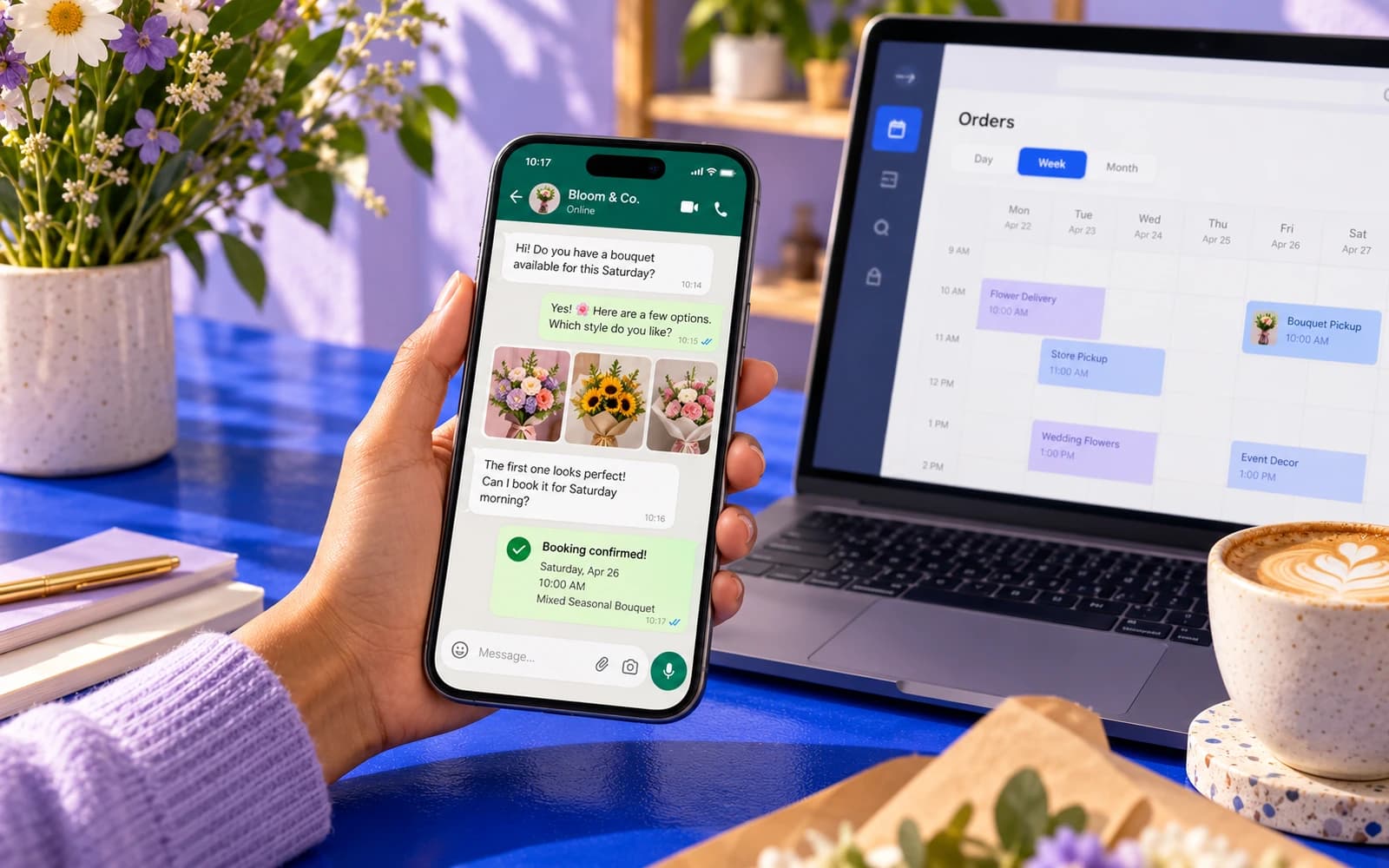
If most of your customers already write to you on WhatsApp, the question is not whether to use it but how to stop answering the same twenty messages by hand every day. In Kazakhstan this matters even more: WhatsApp is the main messenger for talking to businesses, with Telegram second. WhatsApp automation handles bookings, order updates, reminders and first-line support, with a person one tap away when it matters.
The short version: the free WhatsApp Business app gets you greetings and quick replies; anything that talks to your calendar, shop, CRM or 1C needs the WhatsApp Business API. This guide covers what WhatsApp automation can do, Meta's rules, how Meta charges for messages after the 1 October 2026 changes, the tools you can use and how a rollout runs.
App or API: what WhatsApp automation actually needs
There are two very different products behind the name "WhatsApp for business". The app is what you install on a phone. The API (Meta now calls it the WhatsApp Business Platform) is a connection that software talks to.
| WhatsApp Business app | WhatsApp Business API | |
|---|---|---|
| Where it runs | One phone plus linked devices | Your server or a provider's cloud |
| Who answers | People, with quick replies | Software first, people when needed |
| Automation | Greeting, away message, saved replies | Any flow you can build |
| Integrations | None to speak of | Calendar, CRM, 1C, shop, till, payments |
| Cost | Free | Per-message fees from Meta plus a provider or your own build |
Rule of thumb: if you answer yourself and conversations are few, the app is enough. If you want to automate messages that depend on data (is Tuesday at 10:00 free? has the order shipped?), you need the API.
More on connecting a number, templates and Meta's rules on our WhatsApp Business API page.
What WhatsApp automation can do
This is what we build most often; the customer installs nothing and simply writes to your number.
- Auto-replies with substance. Not "we'll get back to you" but the actual answer: opening hours, prices, directions.
- Booking. The customer picks a service and a slot, the bot checks your calendar, confirms, and sends a reminder the day before with a one-tap reschedule option. Pair this with an online booking system and the same rules apply on your website and in WhatsApp.
- Order updates. "Received", "being prepared", "out for delivery" pushed from your shop or accounting system without anyone typing.
- Reminders and follow-ups. Appointment reminders, "your car is ready", "we haven't seen you in a while, here is an offer for you".
- Payment links. A deposit or the balance on an order, sent as a link in the chat and confirmed automatically when paid, for example through Halyk ePay or your bank's acquiring.
- Catalogue and re-orders. Products with photos and prices in the chat; regulars say "same as last time".
- Lead qualification. Ask three or four questions, tag the lead in your CRM and route it to the right person with the answers attached.
- Hand-off to a person. The bot recognizes when it is out of its depth and passes the thread to your team with the full history.
- Two languages. The bot answers in Russian and Kazakh: by the customer's choice at the start, or by the language of the first message.
A WhatsApp chatbot for business does not have to do all of this on day one; it is sensible to start with two flows and add the rest once those pay for themselves.
Opt-in and template messages, in plain words
WhatsApp is strict about spam, and its rules shape what you can automate. Two concepts matter.
Opt-in. You may only message someone first if they have agreed to receive messages from you on WhatsApp. A tick box on your booking form, a "message us on WhatsApp" button, or a customer writing to you first all count. A phone number you found somewhere online does not. Consent to personal data processing under Kazakhstan's law is a separate requirement, covered below.
The 24-hour window. When a customer writes to you, a 24-hour customer service window opens: you can reply with anything you like, free text, buttons, images. Once the window closes, you can only reach them with a template message: a pre-written message, with variables for the name or the time, that Meta has approved. "Hello [name], your appointment is tomorrow at [time]. Reply 1 to confirm or 2 to reschedule" is a template.
Meta reviews each template before use and puts it in one of three categories: utility (updates about something already bought or booked), marketing (offers) or authentication (one-time codes). The category sets the price, and marketing templates that get reported are blocked. So keep marketing rare and lean on utility messages.
What WhatsApp costs: Meta's pricing from October 2026
Meta changed how it charges twice in a short time, so a lot of what you read online is out of date. Here is where things stand, based on Meta's developer documentation (Pricing on the WhatsApp Business Platform, checked in November 2026).
Since 1 July 2025: per message, not per conversation. Meta charges for each delivered business message. The price depends on the template category (marketing, utility or authentication) and the country code of the recipient's number. Meta does not charge for messages from customers to a business.
From 1 October 2026: Kazakhstan is a separate market. Kazakhstan numbers used to sit in the "Other" region; now they have their own line in Meta's rate card.
From 1 October 2026: replies are charged too. Free-form replies inside the 24-hour window (Meta calls them service messages) are charged per message again, and so are utility templates sent in reply inside an open window. Every business number gets a free monthly tier of service messages; without a payment method, service messages stop being delivered once the tier is used up.
Still free: the free entry point window. When a customer writes to you from a Click-to-WhatsApp ad in the mobile app, Meta does not charge for messages in that conversation for up to 7 days.
On top of Meta's fees you either pay a monthly subscription to a provider (the companies that resell the API with a shared inbox and a flow builder), or nothing extra if your own software connects to Meta's Cloud API directly. The provider route starts faster; the direct route has no monthly platform fee.
What this means for a business. Count two numbers before you budget: how many replies your number sends in a month (they are now billed above the free tier) and how many template messages you start (reminders, confirmations, offers). Multiply by the rates on Meta's current rate card for the countries your customers are in. A salon that confirms bookings and answers questions will pay far less than a shop that sends weekly offers to its whole list. Rates change, so check Meta's page rather than any figure in a blog post, including this one.
Connecting WhatsApp to your CRM, accounting and payments
This is where WhatsApp automation starts to earn its keep. A bot that can only talk is a FAQ page with extra steps; a bot that can act is a member of staff.
- CRM. amoCRM, Bitrix24 or a custom CRM. Every conversation creates or updates a contact and a deal, and the chat is visible in the record.
- Accounting and stock. 1C or MoySklad: the bot answers about availability and prices from current data, and the order goes into accounting without retyping.
- Bookings. The calendar in your booking system or CRM: the bot reads free slots and writes confirmed visits.
- Restaurants and delivery. An order from the chat can go into iiko, and its status goes back to the customer on WhatsApp.
- Payments. A payment link from your bank (for example Halyk ePay), with confirmation coming back automatically.
- AI on top. For questions that fit no menu, an AI layer answers from your documents and falls back to a person when it does not know. The same knowledge base can power an AI chatbot for your website, so WhatsApp, the site and email give the same answers.
If you already run a booking or ordering flow inside Telegram, for example in a Mini App, the same back end can serve WhatsApp: the logic is written once, and orders from both messengers land in one CRM or 1C.
WhatsApp automation tools: provider or custom build
There are three ways to put automation on a WhatsApp number. They differ less in what the customer sees than in who owns the logic and what it can reach.
| Provider platform (shared inbox and flow builder) | Automation platform (Zapier, Make, n8n) plus API | Custom build on Meta's Cloud API | |
|---|---|---|---|
| Best for | Broadcasts, a shared inbox, simple menus | Passing messages between WhatsApp and tools you already use | Flows that must check and change data in your systems |
| Setup | Days, mostly configuration | Days to weeks | A few weeks, a fixed-price project |
| Running cost | Subscription plus Meta fees | Platform plan plus Meta fees (plus a provider, if used) | Meta fees plus hosting, no platform subscription |
| Limits | The flow builder decides what is possible | Complex branching gets hard to maintain | You need someone to build and maintain it |
| Who owns the logic | The platform | You, inside the platform | You |
How to automate WhatsApp messages without writing code
If all you need is a greeting, an away message and saved replies, the free Business app does it. If you need a reminder the day before an appointment or an order update when the status changes, a provider platform or an automation tool can send a template message when something happens in your calendar or shop. That covers what many companies need and is the right place to start.
When a custom build is worth it
The moment a flow has to read and write your own data (free slots, stock in 1C, order status, a deposit), the no-code route gets fragile. A custom flow on the Cloud API follows your rules, not the builder's, and does not add another monthly subscription. If a ready-made tool covers your case, use it: it is cheaper.
How to set up WhatsApp automation step by step
- Pick the number. Use a dedicated business number, not the owner's personal one.
- Create the Meta Business account and verify it. Verification can take time, and it lifts some of your messaging limits.
- Choose the route. A provider with a shared inbox and flow builder, or a custom build on the Cloud API. If your flows touch your own systems, custom wins.
- Write the flows on paper first. Every branch, every question, every "what if the customer types something else". In Russian and Kazakh.
- Submit the templates. Confirmation, reminder, status update, re-engagement, written like a person.
- Connect the systems. Calendar, CRM, 1C, shop, payments. Test with real data in a sandbox.
- Define the hand-off. Who gets the conversation when the bot gives up, and what happens at night.
- Launch quietly. Put the "Message us" button on the website and on receipts before you announce anything, and read the transcripts daily at first.
We handle steps 3 to 8 as a fixed-price project: WhatsApp Business automation with one flow and one integration starts from 420 000 ₸, with the flows agreed upfront and a six-month warranty. If you want the same conversation on your website and in Telegram, that is part of our chatbot development work, also from 420 000 ₸ per flow.
Mistakes that get numbers blocked or customers annoyed
- Treating WhatsApp like an email list. Marketing blasts to everyone who ever wrote to you will get reports, and enough reports get your number restricted. Send offers only to people who asked for them.
- No human hand-off. The single most common complaint about a WhatsApp chatbot is being stuck in a loop. Every flow needs an exit to a person, and the person needs to actually answer.
- Using a personal number. The phone leaves the building with the employee and the automation stops. Use a number the business owns.
- Unofficial tools. Anything that automates the regular WhatsApp app rather than the API violates the terms and gets numbers banned without warning.
- Russian only. A customer who writes in Kazakh and gets a reply only in Russian feels they are talking to a template.
Checklist before you switch it on
- A business-owned number, not an employee's personal phone
- Meta Business account verified, payment method on file (replies are billed from October 2026)
- Opt-in recorded wherever you collect numbers: booking form, checkout, the chat itself
- Consent to personal data processing under Kazakhstan's law, mentioning cross-border transfer; the customer database kept in Kazakhstan
- Templates written like a person and submitted per category: utility for updates, marketing only for people who asked
- Every flow written on paper, including "what if the customer types something else", in Russian and Kazakh
- A "talk to a person" exit in every flow, with a named owner for daytime and a rule for nights and weekends
- Calendar, CRM, 1C or shop connected and tested with real data
- A monthly estimate of Meta fees: template messages plus replies (service messages)
- A person who reads the transcripts daily for the first weeks
How a first project runs
Once the Meta account is verified and the flows are agreed, a first WhatsApp automation project usually runs like this:
| Stage | What happens | Who |
|---|---|---|
| Connection | Number connected to the API, templates submitted, sandbox running | Pazl |
| Build | Booking or order flow built and connected to your calendar, CRM or 1C | Pazl |
| Hand-off | Handover to your team configured, night and weekend behavior agreed | Pazl and you |
| Internal test | Your staff play awkward customers, in Russian and Kazakh | You |
| Fixes | Fixes from the test, templates approved, go-live checklist done | Pazl |
| Soft launch | Button on the website, transcripts reviewed daily | Both |
The first version usually goes live within a few weeks of verification, and we fix the exact timing in the contract. After that you own a working channel, and the next flows (payments, re-engagement, catalogue) are added one at a time. If customer service as a whole is the bigger pain, read how to automate customer service before deciding where WhatsApp fits. If you are still choosing between a bot on WhatsApp, on the website or both, start with our guide to a chatbot for business.
What we do on this topic
Short and to the point.
Do I need the WhatsApp Business API, or is the app enough?
If you answer everything yourself and mostly need quick replies and a catalogue, the free app is enough. The moment you want messages triggered by your calendar, shop or CRM, or more than a couple of people answering at once, you need the WhatsApp Business API.
Can I automate WhatsApp messages without the API?
Only with what the Business app offers: a greeting, an away message and saved replies. Tools that automate the regular WhatsApp app from outside break WhatsApp's terms, and numbers using them get banned without warning. Everything beyond the app's own features goes through the official API, directly or through a provider.
Can customers still reach a real person?
Yes, and they must be able to. Every flow we build has a "talk to a person" exit that passes the full conversation to your team, in a shared inbox or straight into your CRM.
What does WhatsApp automation cost in total?
Three parts. Meta's fees: per template message, by category and country, and from 1 October 2026 also for replies (service messages) above the free tier. A provider subscription, if you use one. And the build: with us from 420 000 ₸ per flow, at a price fixed in the contract.
How long does it take to launch?
The first version usually goes live within a few weeks once the Meta account is verified and the flow is agreed on paper. Verification itself can take time, so start it first.
What about personal data?
Opt-in to messages is recorded at sign-up, consent to data processing is collected under Kazakhstan's law, and customer data lives in your own systems (CRM, calendar) on a server in Kazakhstan. WhatsApp runs through Meta's servers abroad, so the consent mentions cross-border transfer. Check the details with a lawyer.
Read also
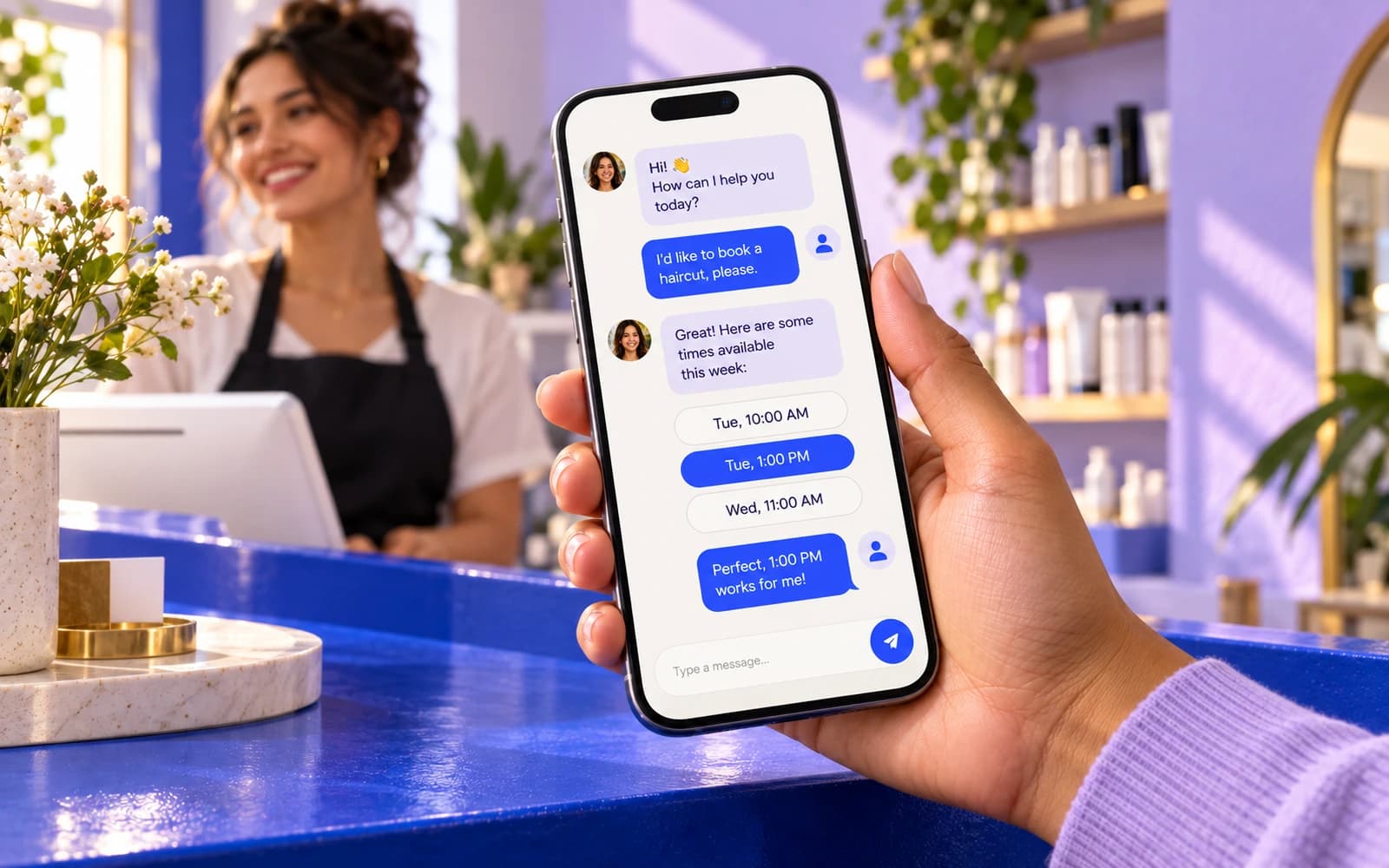 Automation8 min readChatbot for business: what to automate first and how to choose oneDoes your business need a chatbot? What to hand over first, free auto-replies vs builders vs a custom bot, what you will pay for and a four-step launch plan.
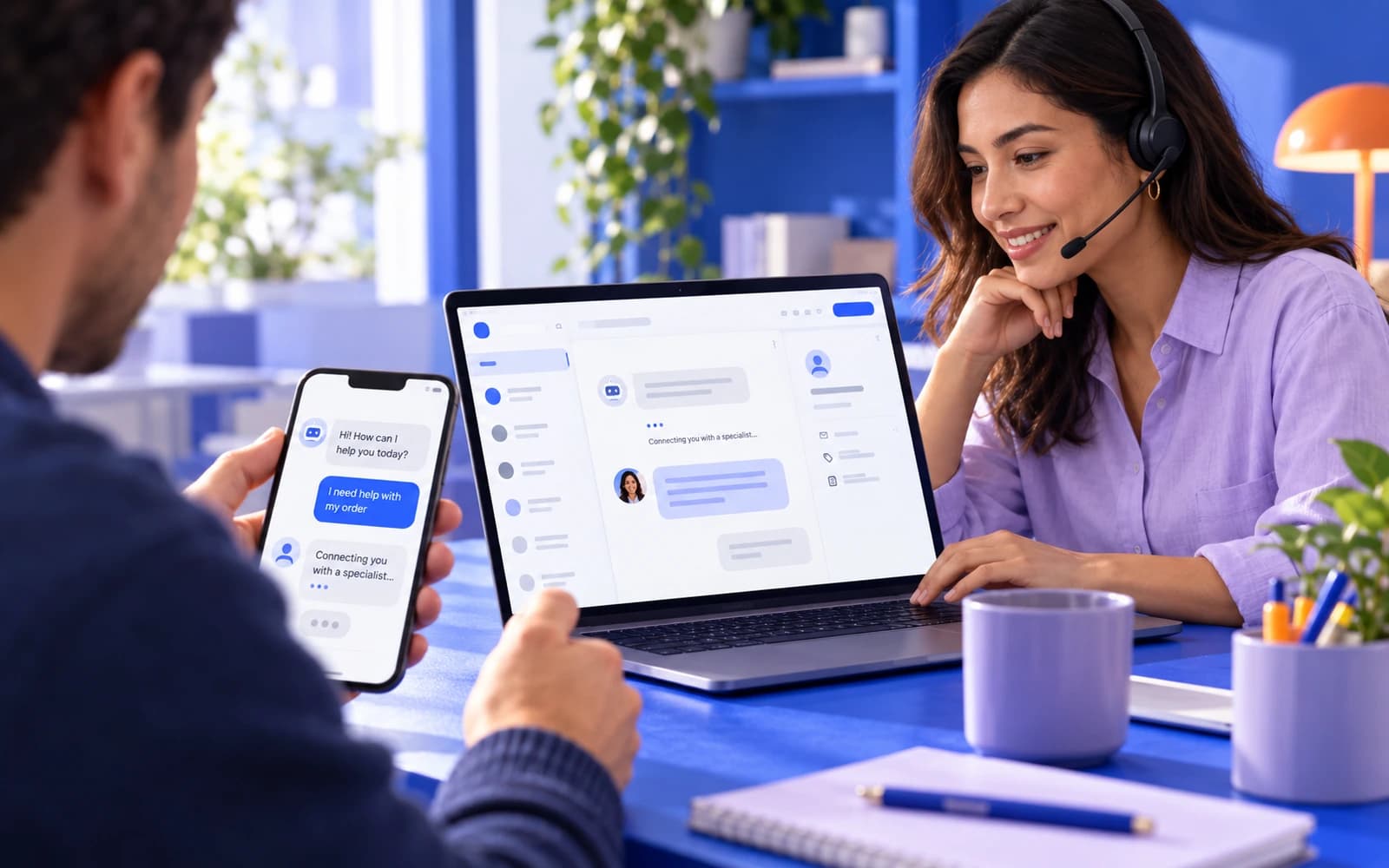 Automation11 min readHow to automate customer service without losing customersHow to automate customer service step by step: what to automate first, what to keep with people, four levels from saved replies to AI, and a staged rollout plan.
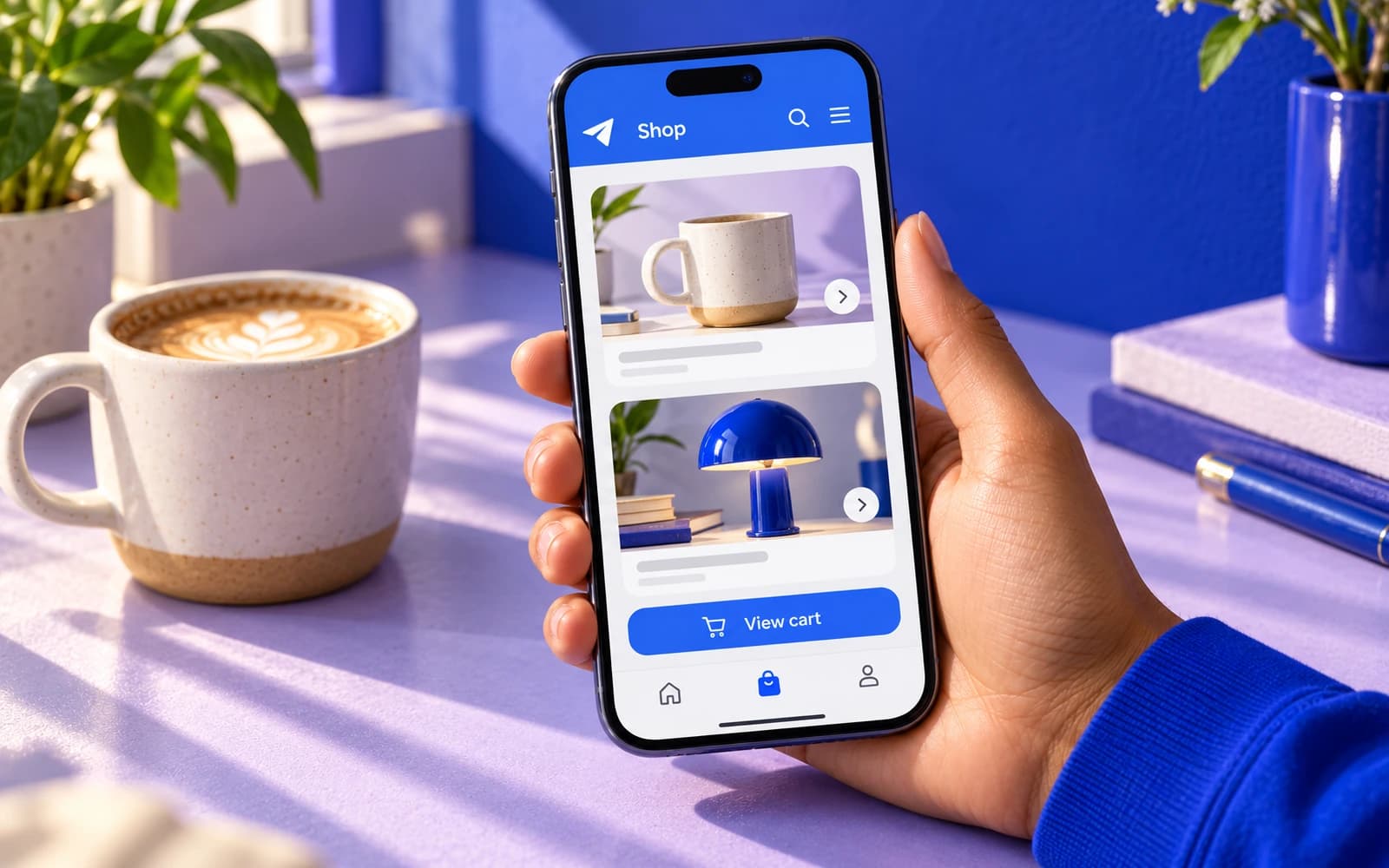 Apps8 min readTelegram Mini Apps for business: sales and service right inside TelegramWhat a Telegram Mini App is and who it suits: catalogue, payment, loyalty, one-tap login, 1C and CRM integration. How it differs from a bot and a website, and the cost.
Shall we discuss your project?
We will tell you what it costs and how long it takes. The price is fixed in the contract.