
How to make an app for my business: a 7-step guide for 2026
Do you need an app at all, which business apps pay off, the seven steps from goal to launch, what drives the budget and how to choose a developer in Kazakhstan.
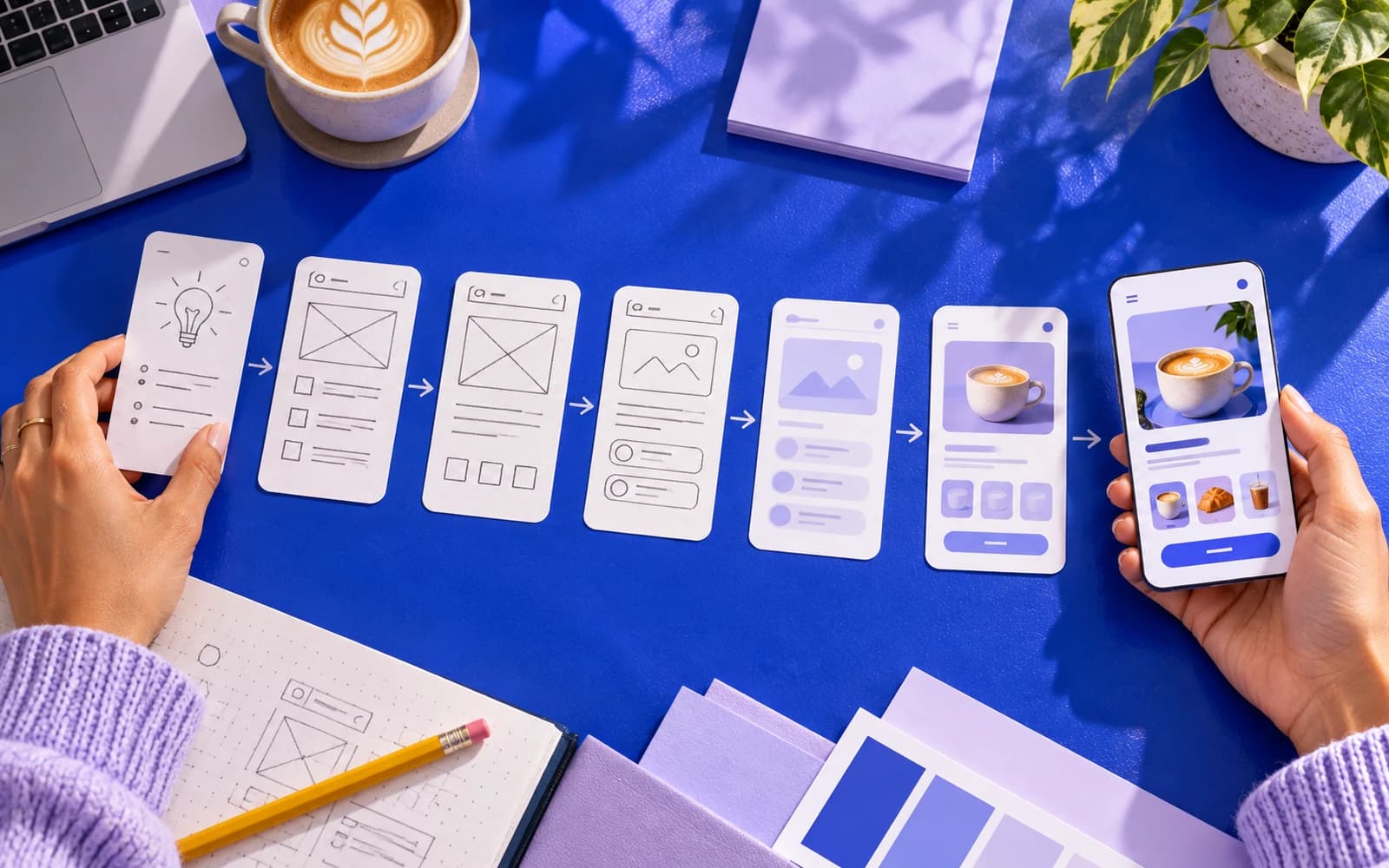
"How to make an app for my business?" is the question we hear most often from owners of restaurants, salons, gyms, clinics and service companies. The short answer: decide first whether you need an app at all. Then build one narrow journey your customers will repeat: design it, build it, publish it and improve it from real usage. Done that way, a first version can ship within a few weeks, and with us an iOS and Android app on a ready platform starts from 1 000 000 ₸.
The long answer is below: the formats to choose from, the business apps that tend to pay for themselves, the seven steps, what drives the price, how to pick a development partner, what the stores ask of you and what happens once the app is live.
Do you need an app at all?
Before you look for someone to build an app, check whether an app is the right container. Three formats compete for the same job, and each suits a different situation.
| Format | Best for | Strengths | Limits |
|---|---|---|---|
| Website or PWA | Information, one-off purchases, booking without an account | No store approval, one codebase, found via search | Weaker notifications on iPhone, most users never keep it on the home screen |
| Telegram Mini App or WhatsApp bot | Audiences that already message you, quick orders and loyalty | No install, fast launch, sign-in comes with the messenger | Tied to one platform, limited interface, not listed in the stores |
| Mobile app (native or cross-platform) | Repeat customers, loyalty, memberships, staff tools | Push notifications, offline mode, camera, wallet and payments, store presence | Store review, higher build and maintenance cost |
A rule of thumb: if a customer will use it less than once a month, a good website or a Telegram Mini App is usually enough. If they will use it weekly (ordering lunch, checking in at the gym, booking the next visit), an app earns its place on the home screen. In Kazakhstan, remember WhatsApp too: many customers are used to messaging businesses there, and a WhatsApp bot sometimes solves the task before an app is needed.
Business app ideas that pay off
The apps that pay for themselves share one pattern: they replace a repeated action that currently costs staff time or loses customers. The most common ideas:
- Ordering and pickup app. Restaurants, cafés and bakeries take pre-orders, shorten the queue and pay less commission to delivery aggregators on repeat orders. The order goes straight into the till or iiko instead of being retyped by hand.
- Loyalty app. Points, cashback and tiers that bring people back, with push reminders instead of paper cards. A loyalty app starts from 1 000 000 ₸. For example, for Hotu-As we built an app with cashback and an Apple Wallet card that works with ATOL tills and 1C 7.7.
- Booking app. Clinics, salons, studios and car services let clients book, reschedule and get reminders without a phone call. It often starts as online booking on the website, and the app comes once visits become regular.
- Membership app. Gyms, yoga studios and clubs manage passes, class schedules and check-ins.
- Field service app. Cleaning, repair and service companies give technicians a job list, checklists, photos and client signatures, while clients see when the technician will arrive.
- Client portal and wholesale orders. Agencies, developers and B2B suppliers give clients documents, statuses and invoices in one place.
How to make an app for my business in 7 steps
1. Set one measurable goal
"More sales" is not a goal for an app; "the share of lunches ordered in advance rather than in the queue at the till" is. The goal decides which screens exist and which integrations matter.
2. Pick one customer journey
The first version should take the customer through one journey end to end: browse, order, pay, collect. Resist adding a chat, a blog and a referral programme to it. Every extra journey adds time and dilutes the launch.
3. Design the screens
A clickable prototype of 8–15 screens costs a fraction of the build and finds most of the problems. Show it to five customers before a line of code is written. If the app needs Kazakh and Russian, test the prototype in both languages at once: Kazakh words tend to be longer, and buttons laid out for Russian text often do not fit the translation.
4. Build and test
Most business apps are built cross-platform today, in Flutter or React Native, so one codebase serves iOS and Android. We build apps in Flutter and suggest native development when the app needs heavy camera, AR or hardware work. Testing means real devices, slow mobile networks and the payment flow in test mode (for example, on the Halyk ePay test environment), not only the developer's phone.
5. Prepare the stores
Register developer accounts early: a company needs verification, and Apple asks for a D-U-N-S number. Prepare the store listing in Kazakh and Russian, screenshots, a privacy policy and a support contact. Store review takes from a few days, and a rejection adds time.
6. Launch to a small group first
Give the app to regulars, staff and friends via TestFlight and Google Play internal testing. Fix what they trip over. Then launch publicly with a reason to install: a first-order discount, double points or early booking slots.
7. Iterate from real usage
After launch you will see where people drop off. The second and third releases, based on that data, are where the app starts to pay. Budget for them from the start.
How to make an app on a budget: what drives the price
The price of an app is driven by scope, not by the number of platforms. In our experience it moves most with:
- the number of screens and journeys;
- integrations with your till, 1C, MoySklad, payments (Halyk ePay, Kaspi), CRM or booking calendar;
- user accounts, roles and permissions (a staff app costs more than a customer app);
- offline mode and synchronisation;
- custom design versus a proven pattern;
- the admin panel behind the app, which is often half of the work;
- a second interface language.
Market prices vary so much by scope that a single number is misleading. We cover the app types and the running costs people forget in how much it costs to build an app in 2026. At Pazl an app on a ready platform starts from 1 000 000 ₸, and a custom app built from scratch starts from 2 550 000 ₸. The price is fixed in the contract, with a six-month warranty.
The honest answer to "how to make an app cheaply" is to make it smaller, not to find a cheaper hour. Two cost traps to avoid: paying by the hour with no fixed scope, and building the admin panel "later". The app will be live, but nobody can change the menu or the prices without a developer.
How long does it take?
A first version usually goes through these phases:
- discovery and scope;
- design and prototype;
- development and testing;
- store submission and review.
At Pazl we ship a first version within a few weeks once the scope, content and access are ready. Three things stretch the timeline: late content (menus, prices, photos), waiting for API access to a till, 1C or a bank, and store accounts that were not opened in week one.
How to choose a development partner
Whether you compare freelancers, agencies or a small studio, ask every developer the same questions:
- Who exactly will work on my app, and who reviews their code?
- Is the price fixed? What happens when the scope changes?
- Who owns the source code, the store accounts and the design files? (It should be you.)
- What is covered after launch: bugs, OS updates, store policy changes, warranty period?
- Can I open a live app you have shipped, not only look at screenshots?
- Where will customer data be stored? The Law of the Republic of Kazakhstan On Personal Data and Their Protection requires storing it in a database located in Kazakhstan.
A freelancer can be the right choice for a small, well-defined app. A studio costs more per hour but brings design, backend, testing and store release under one contract, and a team rather than one person is responsible for the project. What we offer as a mobile app development company: scope, fixed price, warranty and code ownership. Use the questions above on us too.
App store requirements
Both stores review every app, and both reject apps that are only a website wrapped in a shell. Plan for the following:
- Apple App Store. A paid developer account (a company needs organisation verification), a privacy policy URL, in-app account deletion if the app has sign-up, functionality beyond viewing a website, and screenshots for several device sizes. Review times vary, so leave a buffer of about a week before any launch date you announce.
- Google Play. A one-off registration fee, a data safety form, target Android version requirements that rise every year, and a testing period for new personal accounts before production release.
- Both stores. Digital goods are paid through the store's billing. Physical goods and services (food, bookings) can use your own provider: in Kazakhstan that is bank acquiring such as Halyk ePay, or payment through Kaspi (an invoice or a QR code). Apple's annual fee and Google's one-time fee are paid separately at the stores' own rates.
What happens after launch
Most guides on how to make an app stop at the store listing. The real work is what follows: crash reports and monitoring, the yearly iOS and Android updates, store policy changes, and a second release based on what customers did. A support plan with a monthly budget for fixes and small improvements keeps the app alive; we describe a sensible set-up in product support after launch.
Common mistakes when making an app for your business
- Building an app when a website would do. If customers use it less than once a month, they will not install it. Check the format table at the top of this guide first.
- Copying a competitor's feature list. Their app reflects their business. Start from the one action your customers repeat most.
- Forgetting the admin panel. If staff cannot change the menu, prices or offers without a developer, the app goes stale within weeks.
- Skipping the integration check. A restaurant app that does not send orders into the till or iiko creates double work for the cashier.
- A loyalty feature nobody understands. Points with complicated maths get ignored. Sometimes a simple card in the phone's wallet is enough.
- No launch plan. An app nobody hears about stays at zero installs. Promote it at the till, on receipts, in a WhatsApp broadcast and with a first-order reward.
What we do on this topic
Short and to the point.
Can I make an app for my business myself with a no-code builder?
Yes for a simple catalogue or a form, and it is a reasonable way to test demand. But monthly fees grow with users, and builders struggle with payments, tills, 1C and store rules.
How much does it cost to make an app for a business?
It depends on the scope: one customer journey costs far less than a platform with staff roles and several integrations. At Pazl an app on a ready platform starts from 1 000 000 ₸, a custom app built from scratch starts from 2 550 000 ₸, and we fix the price in the contract.
Should I build for iOS and Android at the same time?
Usually yes, using a cross-platform framework, because your customers use both platforms. If the budget is tight, start with the platform most of your customers use and add the second in the next release.
Do I still need a website if I have an app?
Yes. New customers find the website through search; the app serves the ones who already know you.
How long before the app pays for itself?
Count what it changes. For ordering and loyalty apps, that is the aggregator commission you no longer pay on repeat orders plus the extra visits from customers who come back; for staff apps, the hours of phone calls and paperwork it removes each week. Put those numbers next to the build price and the monthly running costs before you start, and check them again three months after launch.
Read also
 Apps11 min readMobile app development cost in 2026: how much does it cost to build an app?What drives the cost of a mobile app in Kazakhstan: app types, what a quote includes, running costs after launch and how to compare offers from developers.
 Apps8 min readCross-platform vs. native: what to choose and not regretHow cross-platform development in Flutter differs from native Swift and Kotlin, when each option is justified, and how not to overpay for technology you do not need.
 Apps8 min readTelegram Mini Apps for business: sales and service right inside TelegramWhat a Telegram Mini App is and who it suits: catalogue, payment, loyalty, one-tap login, 1C and CRM integration. How it differs from a bot and a website, and the cost.
Shall we discuss your project?
We will tell you what it costs and how long it takes. The price is fixed in the contract.