
ERP for a transport and logistics company: bring your fleet, trips, and finances into one system
How to bring your fleet, trips, documents and finances into one ERP, connect it with 1C, the ESF system and GPS tracking, see trip profitability and where to start.
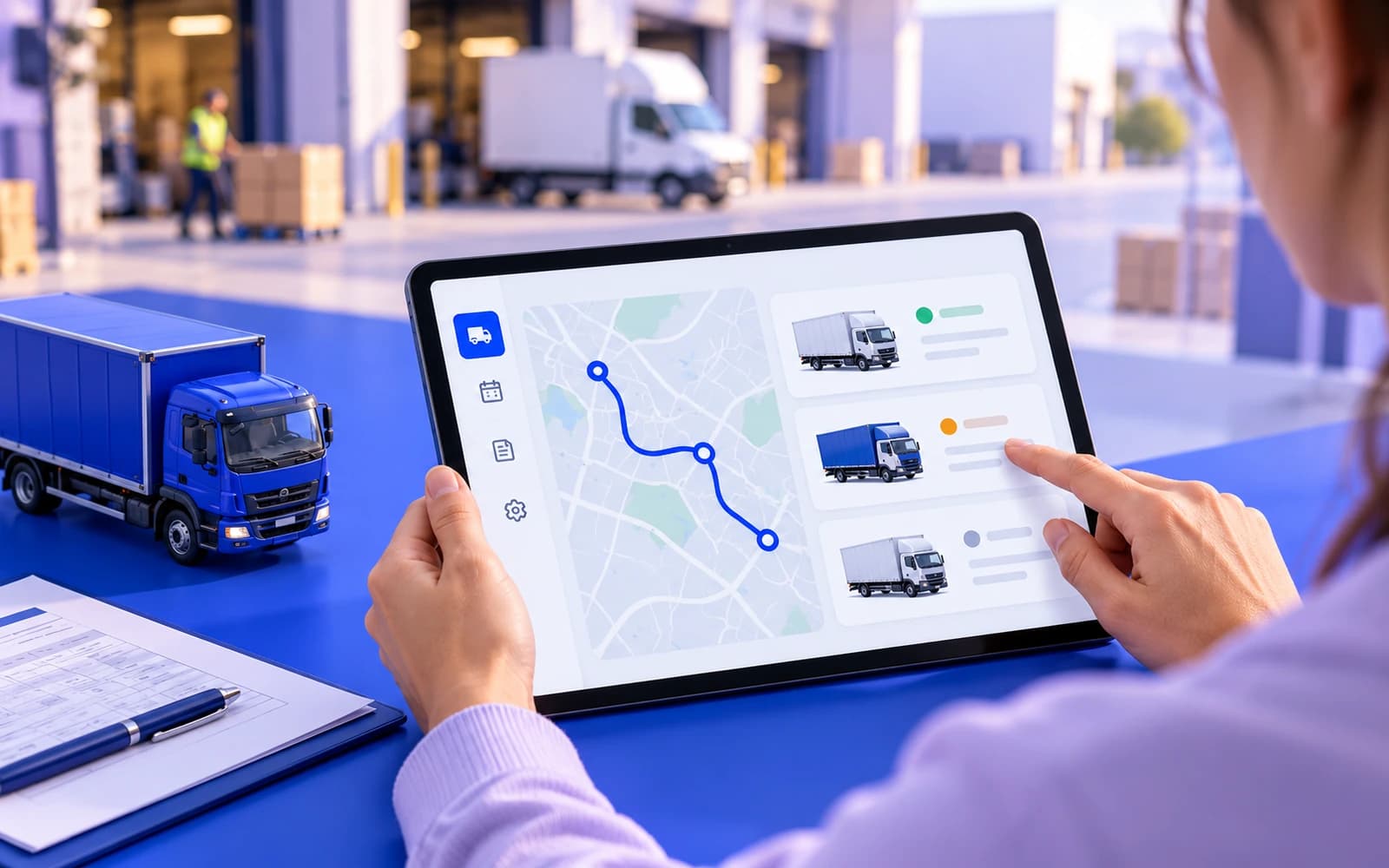
In a transport company, data lives in different places: routes in the dispatcher's head, customer requests in WhatsApp and phone calls, documents in folders, fuel and repairs in Excel, money in 1C. While there are only a few trucks, this is tolerable. At scale, the thing that quietly eats profit begins: trips get duplicated, documents get lost, fuel overruns are invisible, and it's impossible to calculate how much you actually earned on a specific trip. The company seems to be working and growing, but there's no more money: it leaks away in the gaps between processes.
Let's break down what an ERP for logistics covers, how it differs from an off-the-shelf TMS, how to connect it with 1C, the ESF e-invoicing system and monitoring, where to start so you don't build a "years-long monster", and how much it costs.
Where a transport company loses money
Losses are almost always in the same places, and they're rarely visible in the moment:
- Idle time and suboptimal routes. There's no single picture of fleet utilization: trucks run half-empty or sit idle while the dispatcher "keeps everything in their head".
- Fuel and repairs "on trust". Fuel consumption and maintenance costs aren't reconciled with trips. Overruns and fuel theft are invisible until someone notices by chance.
- Manual document flow. Waybills, consignment notes, acts of completed work and invoices are filled out on paper and sent by email and messengers. Some get lost, some have errors, and processing eats up the time of managers and accountants.
- Opaque trip profitability. How much you actually earned, accounting for fuel, depreciation, the driver's salary, and overhead, isn't calculated. "Profitable-looking" trips are taken on that are actually in the red.
- Requests in chaos. Customer requests come from anywhere (a call, email, WhatsApp) and aren't recorded anywhere uniformly. Something gets lost, something gets done twice.
An ERP doesn't "make things pretty": it turns scattered data into manageable numbers and closes the gaps through which money leaks.
What an ERP for logistics covers
A full-fledged system for a transport company unites several domains. The value isn't in a single module but in the fact that they're connected to each other.
| Domain | What it does | What it gives you |
|---|---|---|
| Fleet | Vehicle records, documents, maintenance, insurance, deadline reminders | Nothing is "overdue", the equipment is under control |
| Trips and requests | Trip planning, assigning drivers and vehicles, statuses | A single registry of work instead of chats and the dispatcher's head |
| Fuel and costs | Accounting for fuel, repairs, tires; overrun control | You can see where money leaks |
| Documents | Waybills, consignment notes, acts and invoices built from trip data | Less paper, fewer errors, less manual labor |
| Finance | Income and expenses by trip, profitability, settlements with customers | You can see the real margin of every trip |
| Monitoring | Integration with GPS tracking, actual vs. planned | Control over actual mileage and "off-the-books" trips |
| Analytics | Fleet utilization, trip margins, deadline discipline | Managing by numbers, not by gut feeling |
The key words are "in one system". When the trip, its documents, fuel, and money are connected, you get something that wasn't there before: a real picture of the business in real time. How we build such systems is shown on our ERP development page.
Connecting with 1C and the ESF system: not instead of, but together
A common fear for owners: "everything of ours is in 1C, the ERP will break it all". In practice, an ERP doesn't replace 1C, it works alongside it. 1C remains the system for bookkeeping and tax records. The ERP covers operational management: trips, the fleet, documents, requests. An exchange is set up between them: catalogs, acts, invoices and payments aren't duplicated by hand, and the data doesn't drift apart. Database access is agreed with your 1C specialist; more on our 1C integration page.
A separate word on electronic documents. VAT invoices and accompanying waybills for goods (SNT) are issued in the ESF e-invoicing system: on the portal, in the mobile app, or from your accounting system through the API. When there are many documents, issuing them from the ERP or 1C saves hours of manual entry. Who exactly issues the SNT in your transport scheme, the shipper or the carrier, and in which cases it is needed, check with your accountant: that determines which documents the system should prepare. Connecting to the ESF system is described on our ESF integration page.
The same goes for monitoring. GPS data is pulled into the system, and the trip plan can be compared with the actual: where the truck was, how far it really drove, whether the route matches the declared one, and whether there were any "off-the-books" trips or fuel theft. This turns monitoring from "a dot on a map" into a cost-control tool.
What matters for logistics in Kazakhstan
- WhatsApp as the main channel. Customers and drivers are used to WhatsApp. Trip status updates and document requests are better sent there than left to phone calls. Drivers can also get a separate bot with tasks and statuses.
- A customer portal. Customers call to ask where their cargo is. When statuses, documents and invoices are visible in a customer portal, there are fewer calls and the dispatcher stays focused on trips.
- Long trips. Many carriers run trips across the EAEU and transit routes. The longer the trip, the more cost items and documents it carries, and the more important it is to see the economics of each trip rather than a monthly total.
- 1C and the ESF system. Accounting usually stays in 1C, and documents for goods go through the ESF system. The ERP should exchange data with them, not replace them.
ERP or an off-the-shelf TMS: which to choose
This is the main fork in the road. Off-the-shelf TMS (transportation management systems) cover typical scenarios and cost less at the start. A custom ERP or customization is needed when a company has non-standard processes.
| Parameter | Off-the-shelf TMS | Custom ERP or customization |
|---|---|---|
| When it fits | Typical shipments, standard processes | Your own document flow, non-standard trip logic, a deep link with 1C |
| Pros | Cheaper and faster at the start | Precisely tailored to your processes, no workarounds, custom analytics |
| Cons | Hits its limits, not everything is flexible | More expensive, takes longer |
| Risk | You pay monthly for someone else's system and depend on the vendor | You need a contractor who keeps the system maintained |
An honest benchmark: if the processes are typical, start with an off-the-shelf TMS. If the document flow is your own, the trips are non-standard, and you need a deep link between the fleet, finances and 1C or custom analytics, a custom system pays off better. A hybrid is often optimal: take the typical from the box, and build the unique parts and the 1C link yourself.
A closer look: what this looks like on a real project
For a logistics company, we designed and built an ERP platform covering the whole transport cycle: from the moment a truck leaves to the closing documents and driver KPIs. Before it, data lived in the monitoring tool, Excel, the accounting system and messengers. Leadership couldn't see the overall picture, dispatching was slow, and documents and KPIs were compiled with errors.
What went into the system:
- Screens by role. The director, dispatcher, accountant and driver each have their own interface, with shared data underneath.
- Fleet board. Every vehicle with its status, driver, route and cargo: on the road, loading, idle or in maintenance.
- Alerts with a next step. SOS, driver rest, long idle time or low fuel reach the office with an action: call, message the driver, acknowledge.
- Driver KPIs. Calculated automatically and transparently, so nobody argues about them.
- GPS and a link to accounting. Routes, idle time and trip statuses come from GPS monitoring, and the platform is connected to the system the company already used. Drivers work through a Telegram bot.
- Analytics. Expenses, fuel, maintenance and revenue by week, month, quarter or year.
The main effect of projects like this isn't in individual features but in the fact that a single picture emerges. The director, dispatcher, accountant and driver work in one system, and documents move faster with fewer errors. The case is in our portfolio.
Where to start so you don't build "for years"
A comprehensive ERP isn't rolled out in one go: that's expensive, slow, and risky. A working order in which the system pays off in parts:
- The most painful domain first. Most often it's trip documents or fleet cost accounting, the thing that's losing money or time right now.
- A unified registry of requests and trips. So all the work is in one place, not in five chats and the dispatcher's head.
- The link with 1C and the ESF system. Eliminate double data entry for finances and documents.
- Monitoring and analytics. Once the data is being collected, turn it into management reports and control of actual vs. planned.
That way you see the return from the first stage, not "someday after everything is rolled out".
Common mistakes
- Building everything at once. A comprehensive ERP in one go is a long project with a high risk of not finishing. Domain by domain is safer.
- Ignoring the link with 1C. If the ERP doesn't exchange data with accounting, double entry and discrepancies appear, and the main pain comes back in a different guise.
- Monitoring separate from the ERP. Dots on a map with no link to trips and costs give no control over money.
- No control of the actuals. If you don't compare the trip plan with the actual GPS mileage, fuel theft and "off-the-books" trips stay invisible.
- A system with no support. An ERP lives and changes together with the business. Without maintenance, it becomes outdated and accumulates workarounds.
How much it costs and how long it takes
| What | Budget | How the work goes |
|---|---|---|
| A single domain, for example trip documents or fleet accounting | from 2 650 000 ₸ | First version within a few weeks, scope in the contract |
| A customer portal with trip statuses and documents | from 1 000 000 ₸ | A separate stage or together with the ERP |
| Several connected domains plus the 1C link | After reviewing the processes | In stages, each with its own price in the contract |
| A comprehensive ERP: fleet, trips, finances, monitoring, analytics | Substantially higher, built in stages | Each next stage is estimated before it starts |
An exact estimate comes after reviewing the processes: what hurts most, which 1C configuration you have, and what monitoring is already in place. The price is fixed in the contract, the work carries a six-month warranty, and the source code and access stay with you. More about systems for carriers on our logistics and freight page.
The bottom line
A transport company loses money not on one big mistake but in the gaps between processes: trips, documents, fuel, and finances live separately. An ERP brings them into one system and turns them into manageable numbers, right down to the real profitability of each trip. It's worth rolling out domain by domain, starting with the most painful one, and always connected with 1C, the ESF system and monitoring. An off-the-shelf TMS is enough for typical processes; a custom system is needed where the processes are non-standard.
What we do on this topic
Short and to the point.
How does an ERP differ from an off-the-shelf TMS?
A TMS covers typical shipment scenarios out of the box. A custom ERP is needed when a company has non-standard processes, its own document flow, or requires a deep link between the fleet, finances and 1C. A hybrid is often optimal.
Will work stop during the rollout?
No, if you roll out domain by domain and move processes gradually rather than with a hard switch. The old keeps working until the new is proven on your trips.
Will the ERP replace our 1C?
No. 1C stays for bookkeeping and tax records; the ERP covers operational management. An exchange is set up between them so data is not duplicated.
Can our GPS monitoring be connected?
Yes. Monitoring data is pulled into the system, and the actual trip (where the truck was, how far it drove) is compared with the plan. This is exactly cost and discipline control. Connecting to your monitoring is agreed before the start.
How does the ERP reveal trip profitability?
It links the trip revenue with its real costs: fuel, depreciation, the driver salary, overhead. As a result, you see the margin of each trip and route, not just the total cash at the end of the month.
Will the system issue ESF invoices and SNT waybills?
ESF invoices and SNT waybills are issued in the ESF e-invoicing system, including from an accounting system through the API. We connect it as a separate task and help with registering the accounting system and the digital signature certificates.
Read also
 CRM and ERP8 min readDoes your business need a full ERP, or is a system for your own processes enough?Many companies do not need a heavyweight ERP with a long rollout. They need a system for their processes next to 1C. How it works and when a big ERP is worth it.
 Automation8 min readScattered services hold back growth: how to bring a business into a single systemThe CRM does not know about the warehouse, the warehouse about the website, the website about Kaspi. What scattered systems cost and how to connect them.
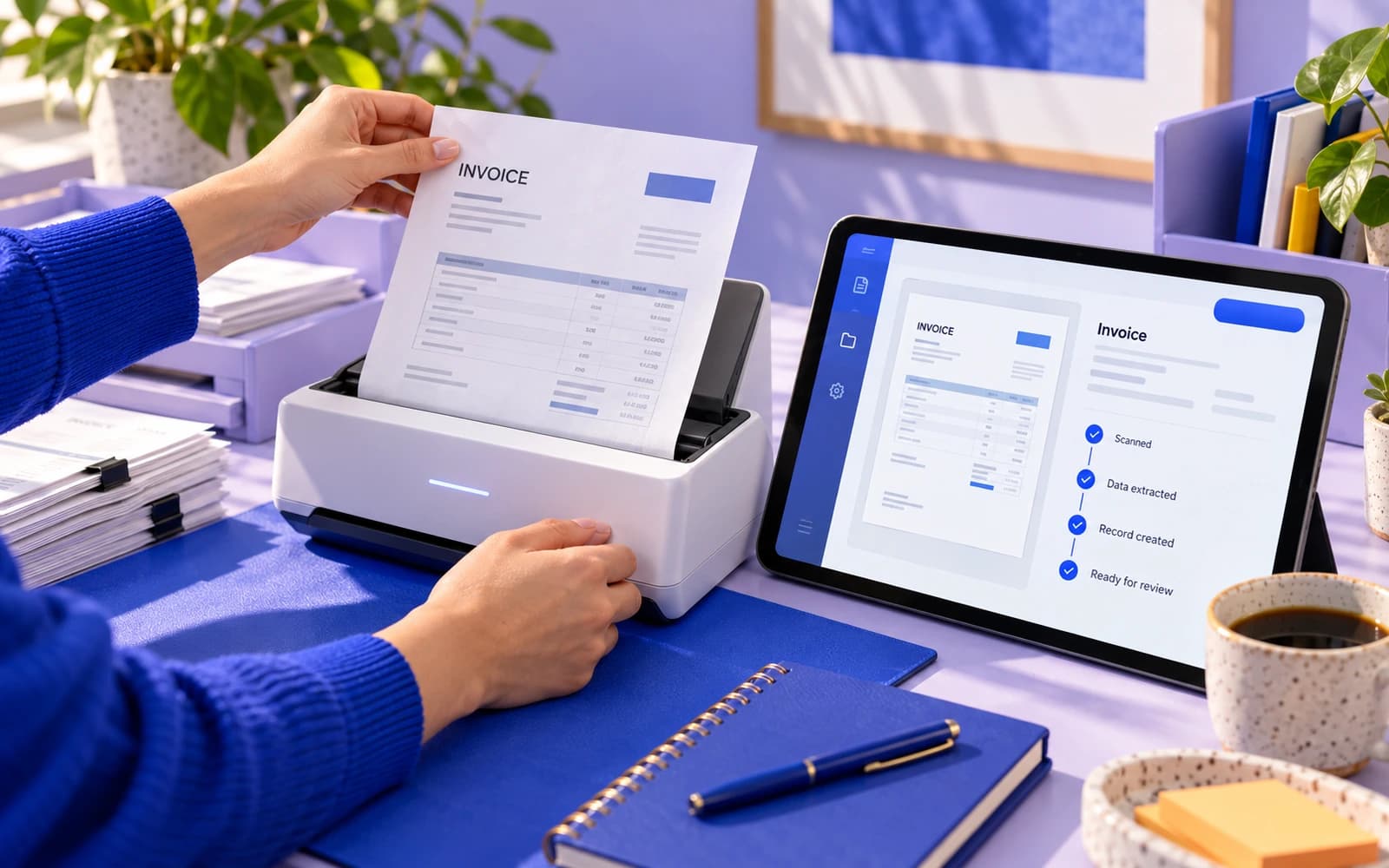 Automation10 min readBusiness process automation: what to automate first and how to count the payoffWhich processes to automate first, when CRM robots are enough and when you need a 1C and Kaspi integration, how to count the payoff and avoid common mistakes.
Shall we discuss your project?
We will tell you what it costs and how long it takes. The price is fixed in the contract.